

apple patient
  • Home
  • News
  • Rumors
  • Tips & Tricks
  • Reviews
  • Insights
No Result
View All Result
  • iPhone 18
  • iOS 27
  • iPadOS 27
  • macOS
  • MacBook Neo
  • iPhone 17e
  • AirTags
  • iOS 26
  • iPhone 17
  • MacBook Pro
  • iPadOS
  • iMac
  • Mac mini
  • HomePod
  • Apple TV
  • iPad Pro
  • iPhone Air
  • Apple Vision Pro
  • iPhone 16
  • AirPods 4
  • Apple Watch Ultra
  • HomePod Mini
  • MacBook Air
  • iPad
  • AirPods Max
  • AirPods Pro 3
  • Apple Watch Series 3
  • Mac Studio
  • Studio Display
  • iPad Air
  • iPad mini
  • watchOS 27
  • Apple CarPlay
  • Apple Pay
  • watchOS 26
  • Home
  • News
  • Rumors
  • Tips & Tricks
  • Reviews
  • Insights
No Result
View All Result
apple patient
No Result
View All Result

iOS 15: All new features in Find My at a glance

Milan Jovicic by Milan Jovicic
August 21, 2021 - 8:59 PM CEST
in Apple Insights
0
iOS 15 Find My

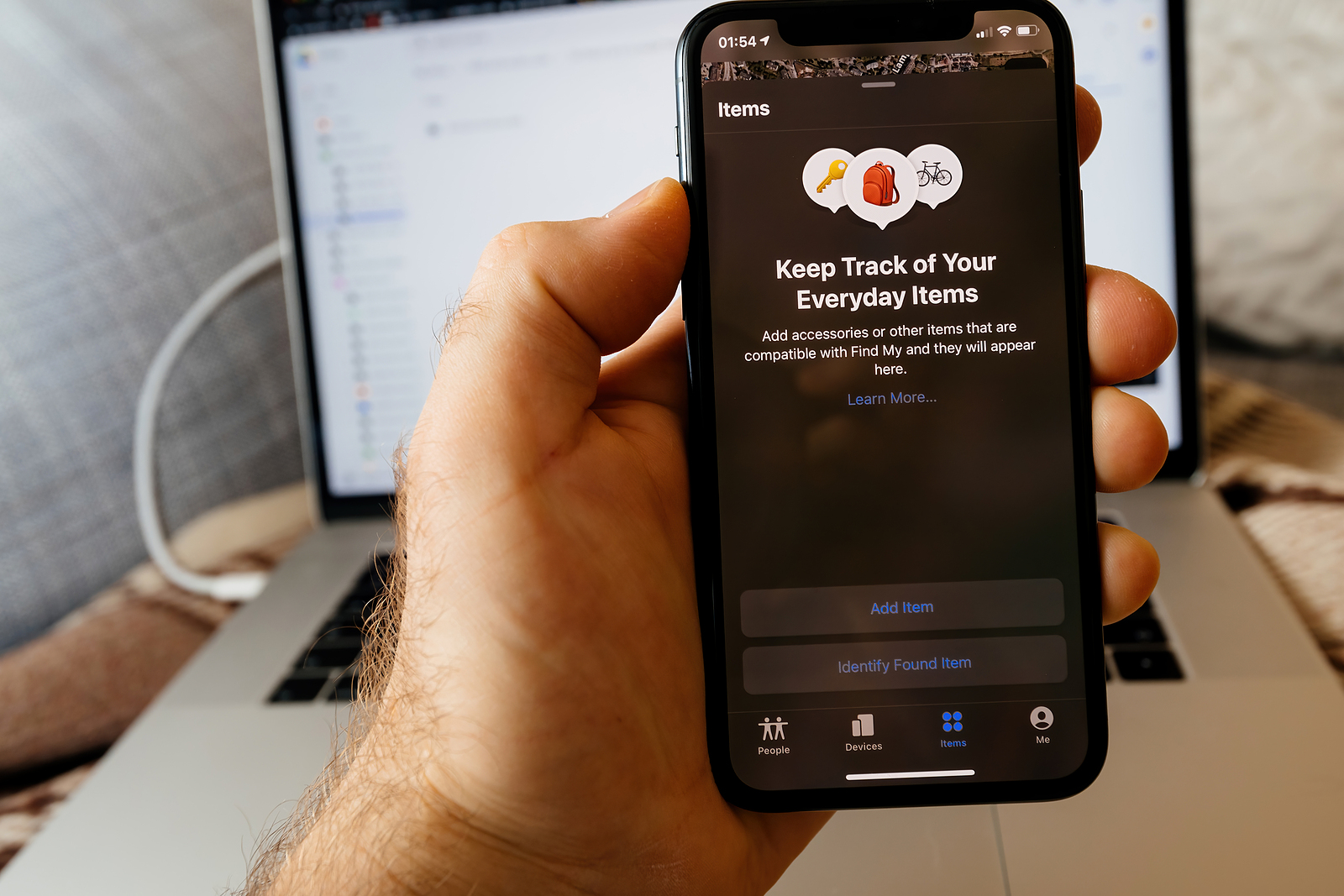
Paris, France - May 2, 2021: iPhone with Keep track of everyday items for new AirTag - small device helps people keep track of belongings, using Apple Find My network to locate lost items like keys, wallet, bag

WhatsAppFacebookEmail
Threads

Since the introduction of the unified "Find My" app, Apple has worked to significantly improve the "Find My" experience - with success. But iOS 15 will also bring new features. The new features include live locations and the ability to locate an iPhone even if it has been erased or turned off.

When users track a friend or family member using the Find My app, they will now see continuous streaming updates of their current location. Currently, this only works by having the app update their location every few minutes. Apple says this feature is designed to give users an immediate sense of speed, direction and progress when tracking someone's location.

Locate lost devices – even when they are turned off

Devices that have been turned off can still be located in iOS 15 using the "Find My" network function. In concrete terms, this means that if a device has a low battery or has been turned off by a thief, it can still be found as long as it is near another Apple device. The "Find My" network is a function that Apple introduced with iOS 13, which allows Apple devices to be located even without a WiFi or cellular connection by using other iPhones, iPads, and Macs nearby. But in iOS 15, Apple has expanded the functionality of the "Find My" network so that the app also works with devices that are turned off. However, this has been limited to iPhones that have the U1 chip, i.e. iPhone 11 or newer.

Find lost devices that have been deleted

But that's not all. If someone steals your iPhone and then deletes it, it will still appear in the Find My iPhone app in iOS 15 and will still be discoverable thanks to the new feature. The feature is linked to Activation Lock, which prevents anyone from using your iPhone without your Apple ID and password.

separation warnings

With Separation Alerts, the Find My app can let you know when an iPhone or iPad has been left behind by alerting you on one of the other devices you have with you. Separation Alerts also work with AirTags and third-party accessories that are integrated with the Find My network. So if you leave a wallet or house keys at a bar after leaving the premises with your iPhone, your iPhone will let you know. Separation Alerts can be turned on in the Find My app and must be enabled for each individual item you own. You can also set exceptions so you don't get an alert if you intentionally leave something at home.

AirPods are also taken into account

The Find My network lets AirPods Pro and AirPods Max communicate with other users' Apple devices, so you can locate them even when they're out of range of your own devices. You can use this method to get an approximate location. Apple says it's designed to help you get within Bluetooth range so you can enable the Play a Sound feature to track them down.

Find My Widget

There is now a Find My widget that users can add to the home screen or Today view to see items at a glance without having to open the Find My app. Widgets come in two sizes, small and medium, and can be used to track people or items. The People widget tracks your friends and family members who have location sharing enabled, while the Items widget tracks your AirTag items and third-party accessories that use the Find My network. Tapping on any of the Find My widgets opens the full Find My app. (Photo by hadrian / Bigstockphoto)


  • iOS 15: All new features in iMessage at a glance
Make Apfelpatient a preferred source One click – and you'll see us more often on Google
Was this article helpful?
YesNo
Tags: iOSiOS 15iPadOSiPadOS 15macOSmacOS 12 Monterey
SendShareSend
Share

Our Amazon Storefront

A handpicked selection of products for iPhone, Mac and more – sorted by topic and updated regularly.

Shop Now

This post contains affiliate links (including Amazon). We earn a small commission on qualifying purchases – at no extra cost to you. Learn more on our Partner Program page.

Previous Post

WhatsApp for iPad: Multi-device support 2.0 in the works

Next Post

iOS 15: Drag and drop screenshots

Milan Jovicic

Milan Jovicic

Milan founded Apfelpatient in 2016 and has been responsible for all editorial content since 2018 — news, rumors, guides, and product reviews. Apple devices here are not test units on loan for two weeks but everyday tools: from the iPhone through MacBook Pro, MacBook Air, and iMac to the Apple Vision Pro, at least one device from nearly every product category is in daily use, many of them replaced annually. Every menu path in a guide is verified on the device before it is published.

Customers crowding an Apple Store as the US smartphone market lost five percent in sales during the second quarter

US smartphone market shrinks, iPhone 18 expected to be more expensive

August 12, 2026 - 23:47 CEST
Ted Lasso standing beside a coach in the empty AFC Richmond stadium while Apple has yet to decide on Ted Lasso season 5

Ted Lasso Season 5: Apple still sees plenty of stories

August 12, 2026 - 10:11 PM CEST
Concept design of the iPhone Ultra in its unfolded state with a large inner display

iPhone Ultra (iPhone Fold): All rumors and facts at a glance

August 12, 2026 - 9:32 PM CEST

About APFELPATIENT

APFELPATIENT brings you the latest Apple news, product updates, guides, reviews and tips across the entire Apple ecosystem — from the iPhone to the Mac to the Apple Vision Pro. From the first rumors to confirmed news: researched responsibly.

Follow Apfelpatient

Facebook Instagram YouTube Threads Threads

Company

  • About Apfelpatient
  • Contact
  • Author Profiles

Community

  • Netiquette
  • Push Notifications
  • RSS feed

Legal

  • Legal Notice
  • Privacy Policy
  • Terms of Use
  • Cookie Settings
  • Affiliate Program

Resources

  • Sitemap

© 2026 Apfelpatient. All rights reserved.

No Result
View All Result
  • Home
  • News
  • Rumors
  • Tips & Tricks
  • Reviews
  • Insights

© 2026 Apfelpatient. All rights reserved. Page Directory

Change language to Deutsch


