

apple patient
  • Home
  • News
  • Rumors
  • Tips & Tricks
  • Reviews
  • Insights
No Result
View All Result
  • iPhone 18
  • iOS 27
  • iPadOS 27
  • macOS
  • MacBook Neo
  • iPhone 17e
  • AirTags
  • iOS 26
  • iPhone 17
  • MacBook Pro
  • iPadOS
  • iMac
  • Mac mini
  • HomePod
  • Apple TV
  • iPad Pro
  • iPhone Air
  • Apple Vision Pro
  • iPhone 16
  • AirPods 4
  • Apple Watch Ultra
  • HomePod Mini
  • MacBook Air
  • iPad
  • AirPods Max
  • AirPods Pro 3
  • Apple Watch Series 3
  • Mac Studio
  • Studio Display
  • iPad Air
  • iPad mini
  • watchOS 27
  • Apple CarPlay
  • Apple Pay
  • watchOS 26
  • Home
  • News
  • Rumors
  • Tips & Tricks
  • Reviews
  • Insights
No Result
View All Result
apple patient
No Result
View All Result

All new health features in iOS 13 & watchOS 6

Milan Jovicic by Milan Jovicic
15. September 2019 - 18:21 CEST
in Apple Insights
0
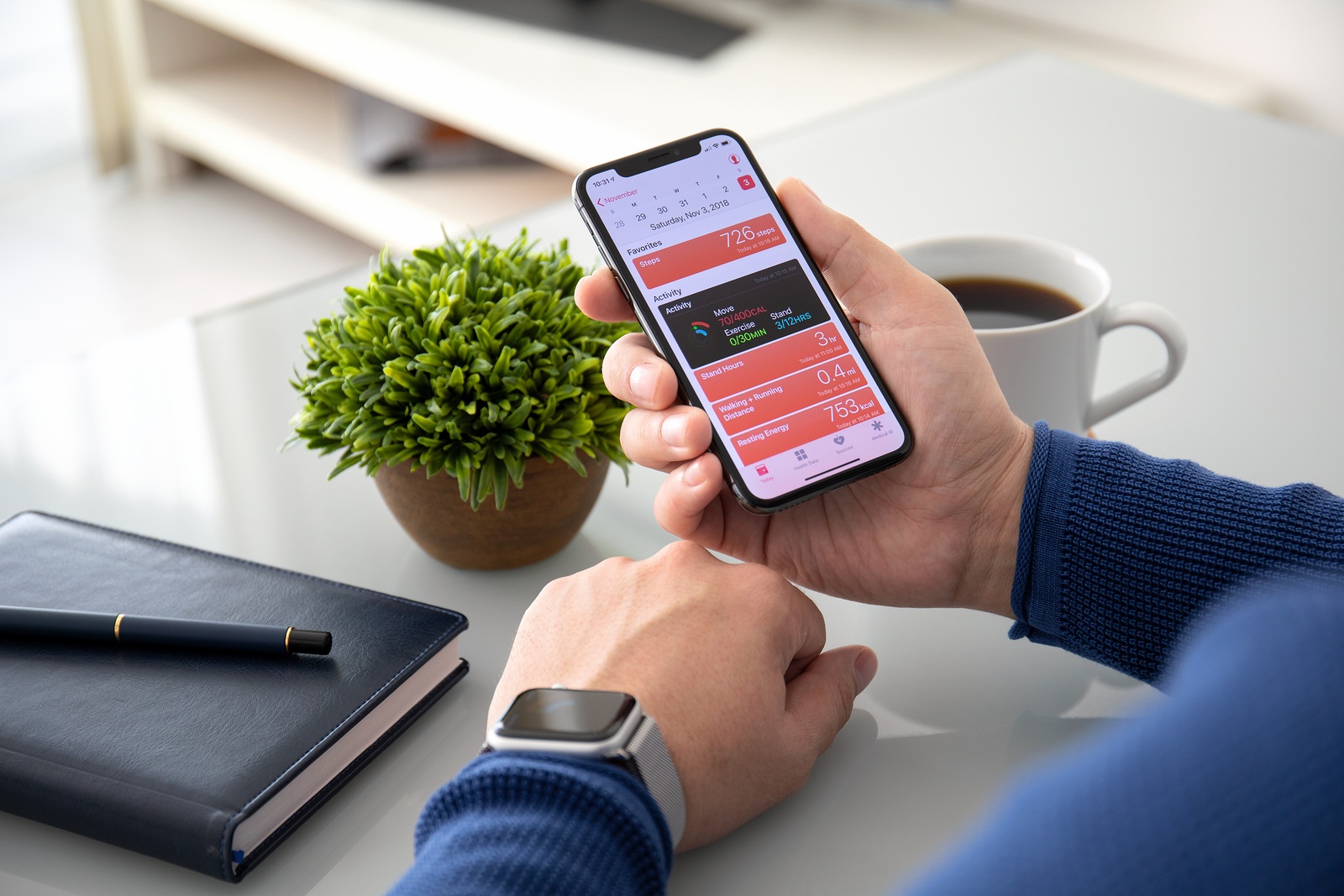
Alushta, Russia - November 3, 2018: Man hand with Apple Watch Series 4 and iPhone X on the table. Apple Watch was created and developed by the Apple inc.

Alushta, Russia - November 3, 2018: Man hand with Apple Watch Series 4 and iPhone X on the table. Apple Watch was created and developed by the Apple inc.

WhatsAppFacebookEmail
Threads

In a few days, Apple will release its new operating system iOS 13 to all users - watchOS 6 will also be available to the majority of Apple Watch owners. Both systems bring with them a lot of new health and fitness features - we'll summarize what they are for you below.

Apple plans to release iOS 13 for all users on September 19th. watchOS 6 is also scheduled to be released at the same time, but only Apple Watch Series 3 and Series 4 owners will be able to enjoy the new smartwatch operating system on that day. Of course, owners of older Apple Watch models can also look forward to the update, but this will not be available for Series 1 and Series 2 until later in the fall - according to Apple. It should also be noted that not all major innovations will be available for the first two Apple Watch generations.

The Health app reorganized

When you first start the Health app under iOS 13, you immediately realize that Apple has redesigned the overview. The bottom tab has been reduced from four to two selection areas - "Overview" and "Discover"! The "Overview" area highlights all relevant information. What is displayed varies from user to user. Apple Watch owners will see their "Activities", among other things, while Withings Scale users will see their weight. Of course, the favorites bar can be customized. Various values are available to the user here. The "Browse" area has been divided into two categories - "Health Categories" and "Clinical Documents". The former naturally contains all saved values from the entire Health app, while the latter can be updated by medical providers - the individual health entries are saved in the form of CADs (Clinical Document Architecture). If you are looking for something specific, you can use the search bar and enter the keyword directly.

Health app on iOS 13 and watchOS 6 with three new tracking options

Under iOS 13, the Health app gets additional tracking options. For example, the user can record their "tooth brushing" behavior daily. The duration can be entered manually here, as there is currently no app that automatically records tooth brushing and forwards it to the Health app. The second tracking option can be found under "Hearing". Headphone and ambient noise levels are recorded here. In addition, all noise notifications detected by the Apple Watch are stored in this area. The individual values are monitored by both the iPhone and the Apple Watch. Under watchOS 6, the so-called "Noise app" is introduced on the Apple Watch. This records ambient noise and informs the user when their environment is too loud for too long - a corresponding complication for the watch face will also be included. The third new feature is the cycle log. Here the menstrual cycle can be recorded precisely - the recording includes a wide range of values. A corresponding iPhone and Apple Watch application is also offered.

activities

Of course, the well-known Apple Watch Activities application was also revised as part of the update. In watchOS 6, this has a new area called "Trends". The collected values are listed here over the long term - "Trends" is intended to show the user which training areas have been neglected so far.

Each individual value has an up or down arrow for better orientation. For long-term users, there are also new awards in watchOS 6. Of course, further optimizations were made during the update - but the ones mentioned above are among the biggest. Everything you need to know about iOS 13 - you can find out here. (Photo by Denys Prykhodov / Bigstockphoto)


You don't want to miss any more news? Then subscribe to our Telegram channel
Make Apfelpatient a preferred source One click – and you'll see us more often on Google
Was this article helpful?
YesNo
Tags: iOSiOS 13watchOSwatchOS 6
SendShare42Send
Share

Our Amazon Storefront

A handpicked selection of products for iPhone, Mac and more – sorted by topic and updated regularly.

Shop Now

This post contains affiliate links (including Amazon). We earn a small commission on qualifying purchases – at no extra cost to you. Learn more on our Partner Program page.

Previous Post

Apple Patent: Hand ID – is a new biometric recognition technology coming?

Next Post

New colors – iPhone 11 demand higher than expected

Milan Jovicic

Milan Jovicic

Milan founded Apfelpatient in 2016 and has been responsible for all editorial content since 2018 — news, rumors, guides, and product reviews. Apple devices here are not test units on loan for two weeks but everyday tools: from the iPhone through MacBook Pro, MacBook Air, and iMac to the Apple Vision Pro, at least one device from nearly every product category is in daily use, many of them replaced annually. Every menu path in a guide is verified on the device before it is published.

Symbolic image for Apple government affairs: the glass entrance cube of the Apple Store on Fifth Avenue in New York at dusk

Apple hires new head of government relations

August 12, 2026 - 8:44 PM CEST
Key art for the Apple TV series Pluribus showing a screaming woman against a yellow background, with Pluribus season 2 about to begin filming

Pluribus: Gilligan plans at least three seasons

August 12, 2026 - 8:27 PM CEST
The iPhone 17 lineup in five colors seen from the back, whose successor is expected to adopt the smaller iPhone 18 Dynamic Island from the Pro models

iPhone 18: Smaller Dynamic Island already in the base model

August 12, 2026 - 8:13 PM CEST

About APFELPATIENT

APFELPATIENT brings you the latest Apple news, product updates, guides, reviews and tips across the entire Apple ecosystem — from the iPhone to the Mac to the Apple Vision Pro. From the first rumors to confirmed news: researched responsibly.

Follow Apfelpatient

Facebook Instagram YouTube Threads Threads

Company

  • About Apfelpatient
  • Contact
  • Author Profiles

Community

  • Netiquette
  • Push Notifications
  • RSS feed

Legal

  • Legal Notice
  • Privacy Policy
  • Terms of Use
  • Cookie Settings
  • Affiliate Program

Resources

  • Sitemap

© 2026 Apfelpatient. All rights reserved.

No Result
View All Result
  • Home
  • News
  • Rumors
  • Tips & Tricks
  • Reviews
  • Insights

© 2026 Apfelpatient. All rights reserved. Page Directory

Change language to Deutsch


