With watchOS 26, a feature many users have long desired could come to the Apple Watch: shortcuts to third-party apps directly in the Control Center. What was previously only possible with Apple's own features could now also be available for apps from other providers. A recent report from 9to5Mac provides initial evidence of this. Here's an overview of all the known information.
You access the Apple Watch's Control Center by pressing the side button. There you can do things like enable Wi-Fi, turn on Airplane Mode, activate Do Not Disturb, or ping your iPhone. All quick and convenient – but only with the features Apple itself provides. If you've tried to add other apps to the Control Center so far, it simply didn't work. That could change with watchOS 26. Apple is apparently planning to open the Control Center – similar to the Control Center in iOS 18 on the iPhone. Since the update, you can also integrate shortcuts for third-party apps there. The move to the Apple Watch therefore seems logical.
Third-party shortcuts in Control Center
According to a report from 9to5Mac , watchOS 26 will enable just that: third-party app shortcuts in the Control Center. This would mean you're no longer limited to Apple's own shortcuts. Instead, fitness, music, or health apps could appear directly in the Control Center. For example, you could:
- Start your favorite workout directly in a third-party fitness app
- open a meditation app with a tap
- Log your water or food intake via shortcut
- Control music streaming apps like Spotify directly from the Control Center
All of this should be significantly faster than before. No need to go through the Watch's home screen, no long searches for the app.
Adjustments via Watch app
The update is also expected to redesign the Watch app on the iPhone. This will allow you to customize the layout of the Control Center. Apple could allow you to add new shortcuts, restructure existing ones, or remove unnecessary ones. This customizability is similar to what Apple already introduced on the iPhone with iOS 18. The Control Center is now highly customizable – with custom layouts and the integration of external app functions.
Presentation at WWDC 2025
watchOS 26 is expected to be unveiled at this year's Worldwide Developers Conference (WWDC). The event begins on Monday, June 9, with Apple's traditional keynote. The new operating system will be officially unveiled there. An initial beta version will be released to developers immediately afterward. The final version for all users is expected to be released this fall, as in previous years, alongside the new Apple Watch generation.
watchOS 26: More control, fewer detours
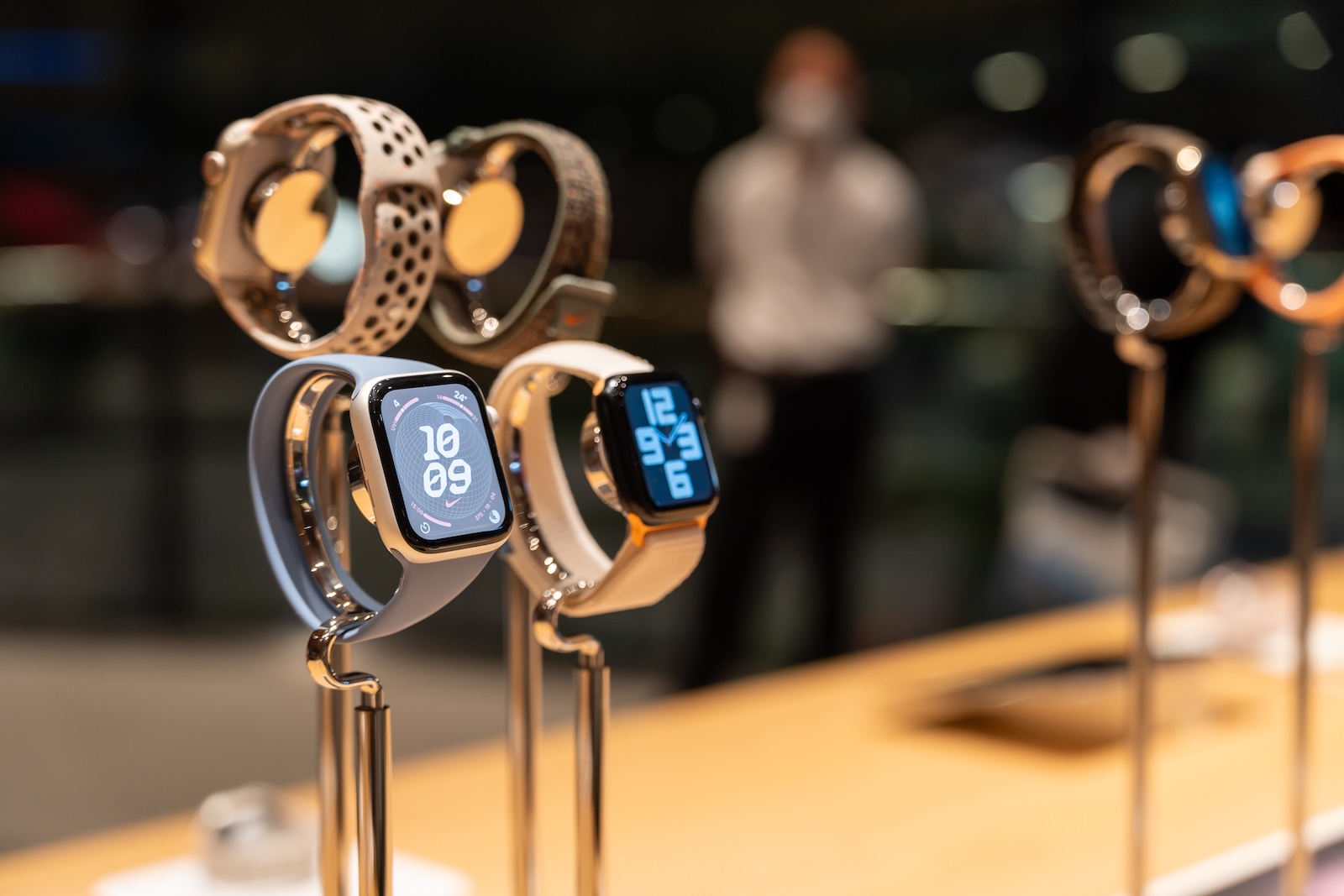
watchOS 26 brings arguably one of the most important innovations to the Apple Watch in a long time. If third-party shortcuts truly make it into the Control Center, using many apps will become significantly easier and faster. This is a real added value, especially for people who use their Watch intensively for fitness, health, or music. If Apple implements the feature as it did with iOS 18, you'll soon be able to decide for yourself what appears in your Control Center—regardless of whether it's an Apple app or another application. This makes the Apple Watch more flexible, customizable, and more suitable for everyday use. watchOS 26 should be particularly well-received by users who use their smartwatch for more than just checking the time. (Image: Shutterstock / Wongsakorn 2468)
- Apple teases a new software design at WWDC 2025
- macOS 26 is probably called “Tahoe” – new design is coming
- macOS 26: What to expect from Apple's new Mac update
- tvOS 26 Update for Apple TV 4K: These features are coming
- iOS 26: What's changing with the new iPhone update
- watchOS 26: What the rumors say about the update
- visionOS 26: What Apple has planned for the Vision Pro