apple patient
  • Home
  • News
  • Rumors
  • Tips & Tricks
  • Reviews
  • Insights
No Result
View All Result
  • iPhone 18
  • iPhone 18 Pro
  • iPhone Duo
  • Apple Watch Series 12
  • Apple Watch Ultra 4
  • AirPods 5
  • iOS 27
  • iPadOS 27
  • macOS
  • MacBook Neo
  • iPhone 17e
  • AirTags
  • iOS 26
  • iPhone 17
  • MacBook Pro
  • iPadOS
  • iMac
  • Mac mini
  • HomePod
  • Apple TV
  • iPad Pro
  • iPhone Air
  • Apple Vision Pro
  • iPhone 16
  • AirPods 4
  • Apple Watch Ultra
  • HomePod Mini
  • MacBook Air
  • iPad
  • AirPods Max
  • AirPods Pro 3
  • Apple Watch Series 3
  • Mac Studio
  • Studio Display
  • iPad Air
  • iPad mini
  • watchOS 27
  • Apple CarPlay
  • Apple Pay
  • watchOS 26
  • Home
  • News
  • Rumors
  • Tips & Tricks
  • Reviews
  • Insights
No Result
View All Result
apple patient
No Result
View All Result
  • iPhone 18
  • iPhone 18 Pro
  • iPhone Duo
  • Apple Watch Series 12
  • Apple Watch Ultra 4
  • AirPods 5
  • iOS 27
  • iPadOS 27
  • macOS
  • MacBook Neo
  • iPhone 17e
  • AirTags
  • iOS 26
  • iPhone 17
  • MacBook Pro
  • iPadOS
  • iMac
  • Mac mini
  • HomePod
  • Apple TV
  • iPad Pro
  • iPhone Air
  • Apple Vision Pro
  • iPhone 16
  • AirPods 4
  • Apple Watch Ultra
  • HomePod Mini
  • MacBook Air
  • iPad
  • AirPods Max
  • AirPods Pro 3
  • Apple Watch Series 3
  • Mac Studio
  • Studio Display
  • iPad Air
  • iPad mini
  • watchOS 27
  • Apple CarPlay
  • Apple Pay
  • watchOS 26

Screen Time: Apple's Guide with US Pediatricians

Milan Jovicic by Milan Jovicic
September 29, 2026 - 8:11 p.m. CEST
in Apple News
0
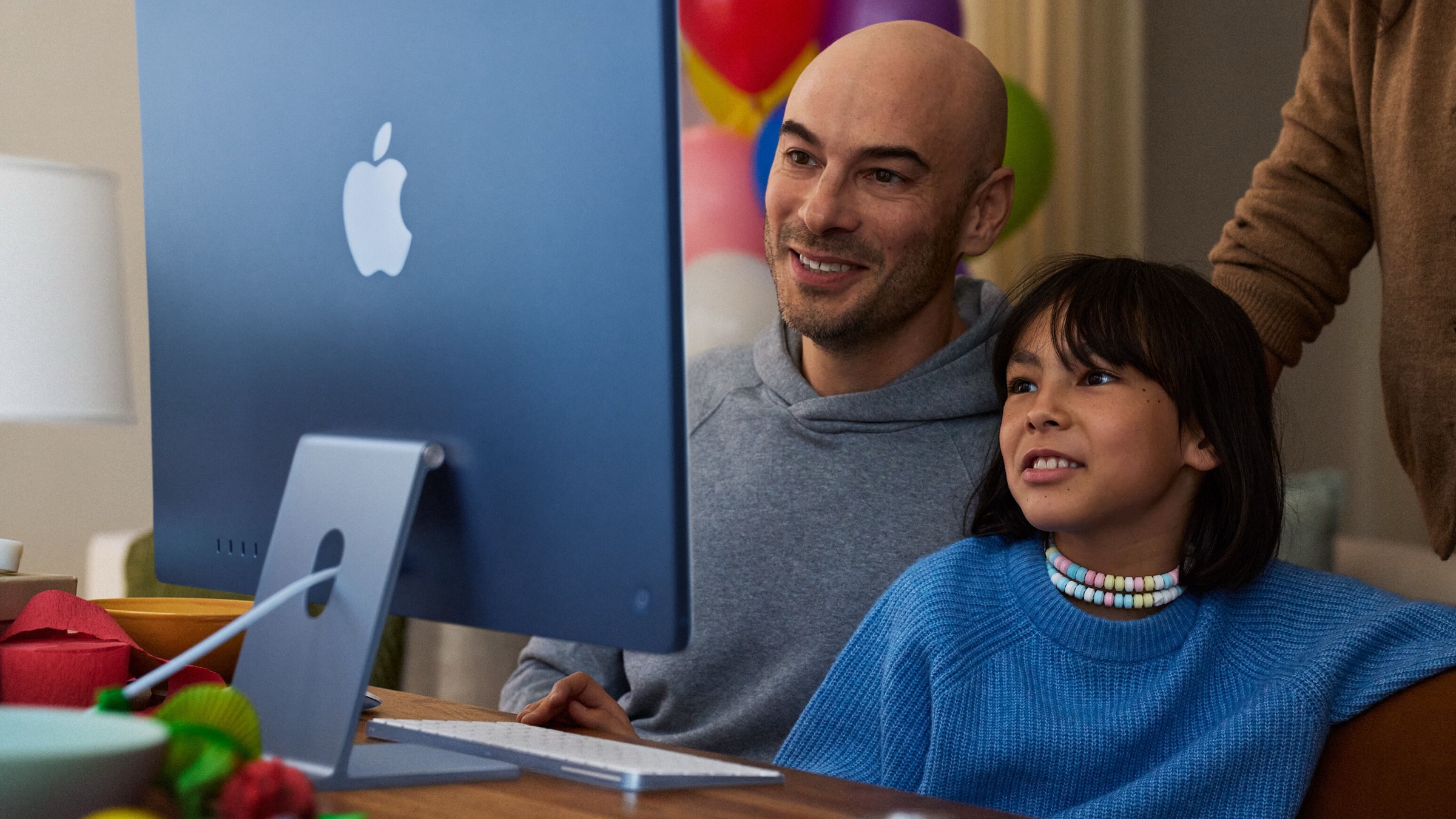
A child sits with an adult in front of a blue iMac, image for Apple's guide on family screen time

Image: Apple

WhatsAppFacebookEmail
Threads

How much screen time is good for a child, and how do you implement that on an iPhone? Apple, together with the American Academy of Pediatrics, has published a guide on this topic. For families in German-speaking countries, however, it has two drawbacks: the language and the standards.

With iOS 27, Apple expanded its parental controls; the new features were announced in June. Now, a guide is available on how parents can use them effectively. Apple developed the guide in collaboration with the American Academy of Pediatrics (AAP), the professional association of pediatricians in the USA.

Apple announced the guide in a newsroom post. It is called "Building Healthy Digital Habits: A Guide for Families" and is available as a guide on Apple's support pages.

Key Facts at a Glance

  • The guide combines the AAP recommendations with the parental control features of iOS 27.
  • It guides you through six steps, from the initial conversation to the child's account, schedules, and contact management.
  • The instructions are available in English, and the German notice also refers to this version.
  • For the new features to work, all devices in Family Sharing must be running version 27.

Six steps from interview to hiring

The guide doesn't begin with a menu, but with a conversation. Parents should address the topic before any settings are adjusted, so that children feel involved in the planning. Only then does the technical aspect come into play.

Step two is the child account in Family Sharing. This activates age-appropriate protection measures and separates the child's data from that of the parents. It is set up as an Apple account for children in Family Sharing.

Next, security settings for apps and websites that request purchases and browsing permissions are configured, allowing families to review new offers together. Step four involves creating a schedule for usage times and screen time limits, including an overview, limits, and time-outs.

Step five governs who a child can communicate with via phone, FaceTime, and messaging. Communication security is enabled by default for all users under 18 and is designed to prevent children from viewing or sending sensitive content. The final step recommends regularly adjusting the plan as the child grows older.

What this requirement means in practice

The new features are included in the Screen Time update in iOS 27, iPadOS 27, and macOS 27. According to Apple, all devices in a Family Sharing group must be updated to version 27 – iPhone, iPad, Mac, Apple Watch, and Vision Pro alike.

This condition applies to the entire family, not just the child's device. If even one device in the group is still running an older version, the new features won't work. According to Apple, some features are also not available in all regions, languages, or on all models.

The standards come from the USA

The recommendations in the guide come from the AAP and thus from the US healthcare system. In Germany, the Federal Institute for Public Health (BIÖG), formerly the Federal Centre for Health Education, publishes its own recommendations on screen time according to age groups:

AgeBIÖG recommendation
under 3 yearsIdeally, avoid all screen media
3 to 6 yearsat most 30 minutes on individual days, accompanied
6 to 9 yearsat most 30 to 45 minutes on individual days
9 to 12 yearsat most 45 to 60 minutes daily

The BIÖG (German Federal Institute for Occupational Safety and Health) recommends a minimum age of 9 for a child's first smartphone, ideally 12, and then with restricted internet access. The minutes of screen time can be directly recorded as usage time in the Screen Time settings – the tools from Apple's guide work regardless of which recommendations a family follows.

A guide with gaps for the German-speaking region

I believe the order of the instructions is their real strength: first talk, then configure. Apple justifies this in the instructions by stating that parental controls work better when children understand why they exist.

For families in German-speaking countries, its current form offers limited usability. It's written in English, and its standards originate from the USA. The most sensible approach is to combine Apple's structure with the minute-based values of the BIÖG (German Federal Institute for Occupational Safety and Health). The greater practical hurdle lies in the technology: an older device in the family that doesn't support version 27 will slow down everyone else.

Apple's parental controls become part of the complete package

With this guide, Apple links settings in iOS 27 to a doctor's recommendation. The technology was introduced in September; the instructions are now available.

How do you manage screen time at home – with fixed time limits or with agreements without technical restrictions? Tell us in the comments what works for you.


Make Apfelpatient a preferred source One click – and you'll see us more often on Google
Was this article helpful?
YesNo
Tags: Apple ServicesiOSiOS 27iPadOSiPadOS 27macOSmacOS 27OverviewTechPatient
SendShareSend
Share

Our Amazon Storefront

A handpicked selection of products for iPhone, Mac and more – sorted by topic and updated regularly.

Shop Now

This post contains affiliate links (including Amazon). We earn a small commission on qualifying purchases – at no extra cost to you. Learn more on our Partner Program page.

Previous Post

Apple Creator Studio: Cinema Mode now in Final Cut Pro

Next Post

iPhone Duo: Prepare to pre-order starting October 12th

Milan Jovicic

Milan Jovicic

Milan founded Apfelpatient in 2016 and has been responsible for all editorial content since 2018 — news, rumors, guides, and product reviews. Apple devices here are not test units on loan for two weeks but everyday tools: from the iPhone through MacBook Pro, MacBook Air, and iMac to the Apple Vision Pro, at least one device from nearly every product category is in daily use, many of them replaced annually. Every menu path in a guide is verified on the device before it is published.

Related posts

iPhone Duo: Prepare to pre-order starting October 12th

by Milan Jovicic
September 29, 2026 - 10:20 p.m. CEST
iPhone Duo product page in the Apple Store app on an iPhone showing preparation from 12 October and pre-orders from 16 October

The iPhone Duo can be pre-ordered starting October 16th at 2 PM. You can begin preparing your order as early as October 12th.

Read moreDetails

Apple Creator Studio: Cinema Mode now in Final Cut Pro

by Milan Jovicic
September 29, 2026 - 7:49 p.m. CEST
Apple Creator Studio wordmark above a row of app icons with Final Cut Pro in the center on a black background

Apple Creator Studio brings iPhone 18 Pro cinematic mode effects to Final Cut Pro, new masking tools for iPad, and updates for Keynote.

Read moreDetails

Final Cut Camera 2.4: Aperture and videoscopes for iPhone

by Milan Jovicic
September 29, 2026 - 7:29 p.m. CEST
Final Cut Camera on an iPhone 18 Pro in landscape showing an f/1.48 aperture while filming a man at night on a city street

Final Cut Camera 2.4 brings a new design, aperture control for iPhone 18 Pro and, with iOS 27, RGB features, Clean SDI Out and Genlock Offset.

Read moreDetails

John Ternus wants to make Apple faster and leaner

by Milan Jovicic
September 29, 2026 - 6:07 p.m. CEST
John Ternus shakes hands with a customer outside Apple Fifth Avenue in New York, surrounded by applauding employees

Fewer management levels, more products distributed throughout the year, cost-cutting measures: John Ternus is restructuring Apple. The first jobs have already been eliminated.

Read moreDetails

Apple TV 4K: Apple Support hints at a new model

by Milan Jovicic
September 29, 2026 - 5:28 p.m. CEST
Apple TV 4K Siri Remote lying diagonally on a light marble surface

Apple limits Hi-Res Lossless support to the third generation Apple TV 4K "or newer" - a newer model is not yet available.

Read moreDetails
Load More

Leave a Reply Cancel reply

Required fields are marked with * marked.

By submitting, you consent to the storage of your comment along with your name, email address and IP address. Details are available in our privacy policy.

Categories

  • Apple Insights
  • Apple Rumors
  • Apple News
  • Apple Tips & Tricks
  • iPhone news, rumors and tips
  • Mac and MacBook News
  • Reviews

About APFELPATIENT

APFELPATIENT brings you the latest Apple news, product updates, guides, reviews and tips across the entire Apple ecosystem — from the iPhone to the Mac to the Apple Vision Pro. From the first rumors to confirmed news: researched responsibly.

Follow Apfelpatient

Facebook Instagram YouTube Threads Threads

Company

  • About Apfelpatient
  • Contact
  • Author Profiles

Community

  • Netiquette
  • Push Notifications
  • RSS feed

Legal

  • Legal Notice
  • Privacy Policy
  • Terms of Use
  • Cookie Settings
  • Affiliate Program

Resources

  • Sitemap

© 2026 Apfelpatient. All rights reserved.

No Result
View All Result
  • Home
  • News
  • Rumors
  • Tips & Tricks
  • Reviews
  • Insights

© 2026 Apfelpatient. All rights reserved. Page Directory

Change language to Deutsch