

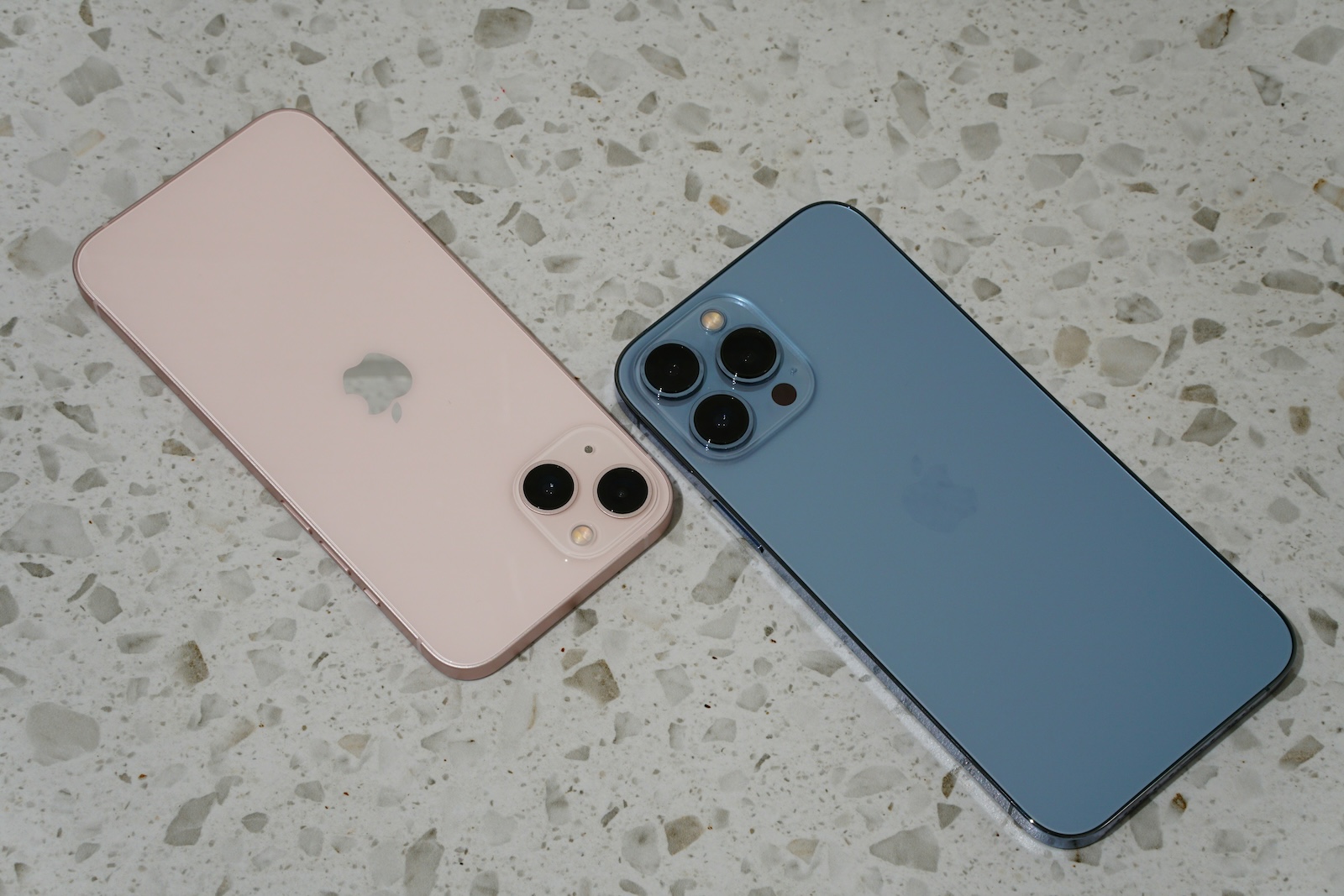
With the release of iOS 18 RC, Apple is introducing a host of new features designed to improve your iPhone experience. One particularly exciting new feature is the ability to pause video recordings directly in the camera app and resume them later. This feature is not only available for the latest iPhone 16 but also for older iPhone models that support iOS 18.
Recording videos is now easier than ever. Thanks to the constant development of the camera app on the iPhone, you can now create professional videos without the need for special equipment. But what do you do if you want to pause a recording in between? This is now possible with iOS 18. Apple has made this function available on older devices, significantly increasing the convenience and flexibility of filming.
The pause function in the iOS 18 camera app
One of the highlights of iOS 18 is the new pause feature in the camera app. When you're recording a video, you'll find a new button in the bottom left corner of the screen - the pause button. A simple tap on this button will pause the video recording without creating a new file. Instead, you can continue filming seamlessly from the same point as soon as you press the record button again. This feature is especially useful if you want to jump between different scenes without having to create multiple video files and stitch them together later. Whether you're recording a vlog or just capturing moments from your everyday life, the pause feature will save you time and make your recordings even smoother.
User interface and controls
The new pause function is intuitive and easy to use. As soon as you tap the pause button, the "PAUSE" indicator appears at the top of the user interface so that you know exactly that the video has been paused. The pause button then turns into a record button, signaling that you can continue at any time by tapping it again. This simple control ensures that you can concentrate fully on filming without having to worry about the technology. Another practical feature: the recording time is displayed continuously during the pause so that you always have an overview.
Advantages for older iPhones
While many new camera features of the iPhone 16 are exclusive to the latest model, the pause function in the camera app is also available for older iPhone models that support iOS 18. This means you don't necessarily need the latest device to benefit from this handy feature. If your iPhone has received the latest iOS update, you can use the pause and resume function directly. This shows that Apple is not ignoring older devices and continues to provide valuable new features via software updates. It is a clear advantage for users who want to continue using their older devices for a long time without having to do without modern features.
Scene change without editing
Another highlight of the new pause function is the ability to change scenes without time-consuming editing. In the past, you had to create a new video file every time you stopped and started, which you then had to painstakingly put together later. Now you can jump back and forth between different scenes with a simple tap and end up with a single, coherent file. This not only makes filming easier but also saves you an enormous amount of time in post-production.
Pause video recordings in an instant: How it works with iOS 18
With iOS 18 brings Apple has introduced a useful and innovative feature that makes filming on the iPhone much easier: the pause function for video recordings in the camera app. Whether you're a vlogger, love capturing moments or just enjoy filming, this feature allows you to record videos more smoothly and efficiently. Thanks to support for older iPhones, you don't even need the latest model to benefit from this feature. So next time you're shooting a video, keep an eye out for the new pause button and try it out for yourself. With iOS 18, you have the tool in your hand to take your video recordings to the next level - without any editing or extra effort. (Photo by Unsplash / Vanja Matijevic)
- Apple surprises with new features for Series 9 & Ultra 2
- iPhone 16 charges wirelessly faster with the right MagSafe cable
- Apple introduces RC versions of iOS 18, macOS 15 and more
- No Apple Intelligence for Germany? Apple's plans for 2025





