

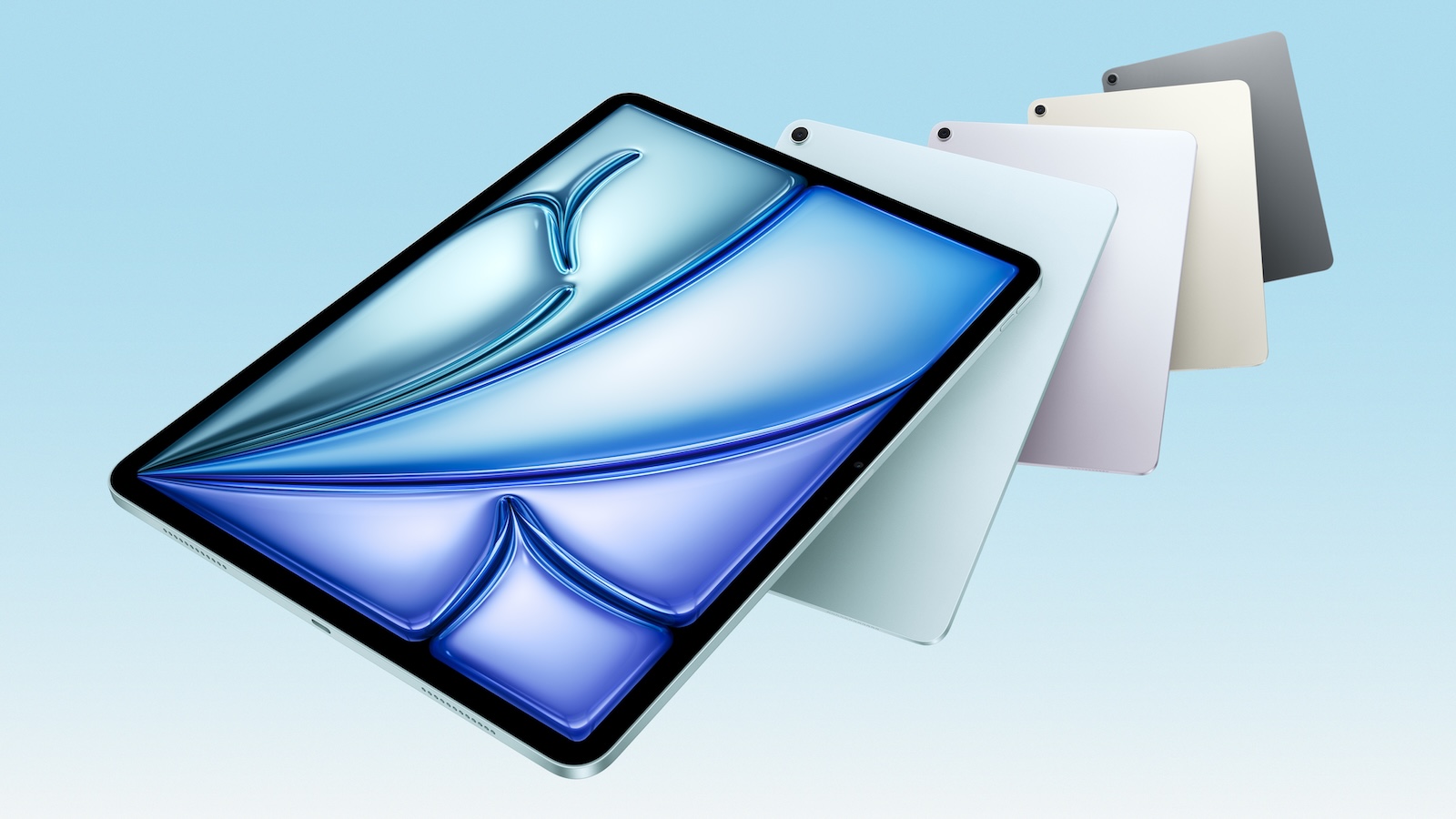
Apple has updated the iPad Air with the M3 chip. Visually it remains the same, but under the hood there is a small performance upgrade. Apple has also improved the Magic Keyboard, which makes typing and working more comfortable. But what does that mean for users? Is the upgrade worth it? The first test reports provide clear answers.
The iPad Air has always been a kind of compromise between the affordable entry-level iPad and the powerful iPad Pro. It offers a lot of performance for less money than the Pro model, but with some limitations. The new iPad Air with M3 chip builds on this concept. While the chip change looks like a big step forward on paper, initial test reports show that the difference to the predecessor with M2 chip is hardly noticeable in practice. Much more exciting is the new Magic Keyboard, which brings some improvements.
The innovations of the M3 iPad Air
M3 chip: noticeable improvement or hardly any difference?
The new iPad Air now comes with the M3 chip, but does it really provide better performance in everyday use? David Pierce from The Verge writes that he doesn't notice any difference to the M2. Apps start just as quickly, games run identically and there is no noticeable improvement in demanding programs like Procreate or Logic. This isn't because the M3 is bad, but because the M2 was already very powerful.
Scott Stein from CNET explains that the performance difference is especially relevant for power users. Those who work a lot with AI, graphics editing, video or photo editing could see an advantage. But for most users, the difference is minimal. Apple itself no longer compares the annual chip upgrades directly with each other - a sign that the performance increase is not revolutionary. Anyone who already owns an iPad Air with M2 will not have any real advantage with the M3 chip. Those who are switching from an older model, on the other hand, will feel the performance jump more clearly.
The new Magic Keyboard: Is the upgrade worth it?
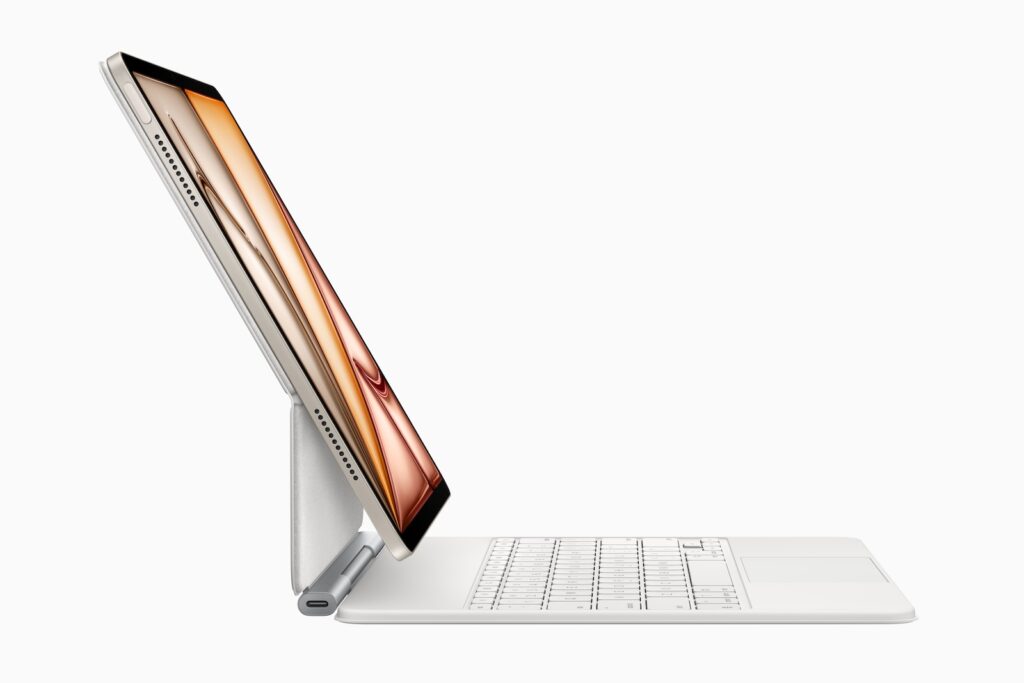
In addition to the M3 chip, Apple has redesigned the Magic Keyboard for the iPad Air. The changes are not huge, but they make a difference in everyday life. The new Magic Keyboard is thinner and lighter than the old version. It now has a row of function keys that enable useful shortcuts, and the trackpad is slightly larger. Nathan Ingraham from Engadget praises these improvements, but criticizes the fact that some features of the iPad Pro Magic Keyboard are missing. There is no backlight for the keys, the casing is made of plastic instead of aluminum and the trackpad has a mechanical click instead of haptic feedback.

Tony Polanco from Tom's Guide finds the typing experience pleasant, even for people with large hands. The keys have a good travel and the touchpad is responsive. Overall, the Magic Keyboard is a great accessory if you want to use the iPad Air as a laptop replacement. One small consolation is the price: the new Magic Keyboard costs a little less than the old model.
Design and display: same look, same weaknesses
Visually, the iPad Air remains unchanged. It looks like the M2 model, and that means it retains some familiar limitations. One of the biggest criticisms is that the iPad Air continues to rely on Touch ID, while the iPad Pro offers Face ID. In addition, the display lags behind the Pro model in terms of technology. It does not have a 120 Hz refresh rate (ProMotion) and overall does not offer the same quality as the mini-LED or OLED display on the Pro models. Nathan Ingraham of Engadget thinks it's about time to improve the iPad Air's display. The image quality is good, but compared to the iPad Pro, it looks less high-quality.
Compatibility with older accessories
Good news for owners of an iPad Air with M2 is that the new Magic Keyboard is also compatible with the old model. So if you are only interested in the new keyboard, you can also use it for your M2 iPad Air without buying a completely new device.
Who should buy the M3 iPad Air – and who shouldn’t?
The new iPad Air is a very good tablet - but it is almost identical to its predecessor. The M3 chip hardly brings any noticeable advantages in everyday use. The Magic Keyboard has been improved, but some features of the iPad Pro are still missing. If you already own an iPad Air with M2, you don't necessarily have to upgrade. The differences are too small to justify the purchase. However, if you are switching from an older iPad or buying your first iPad Air, you will get a powerful and future-proof device. (Image: Apple)
- iPad Air with M3 chip in benchmark test – the results
- Apple confirms: Siri 2.0 will not be released until 2026





