

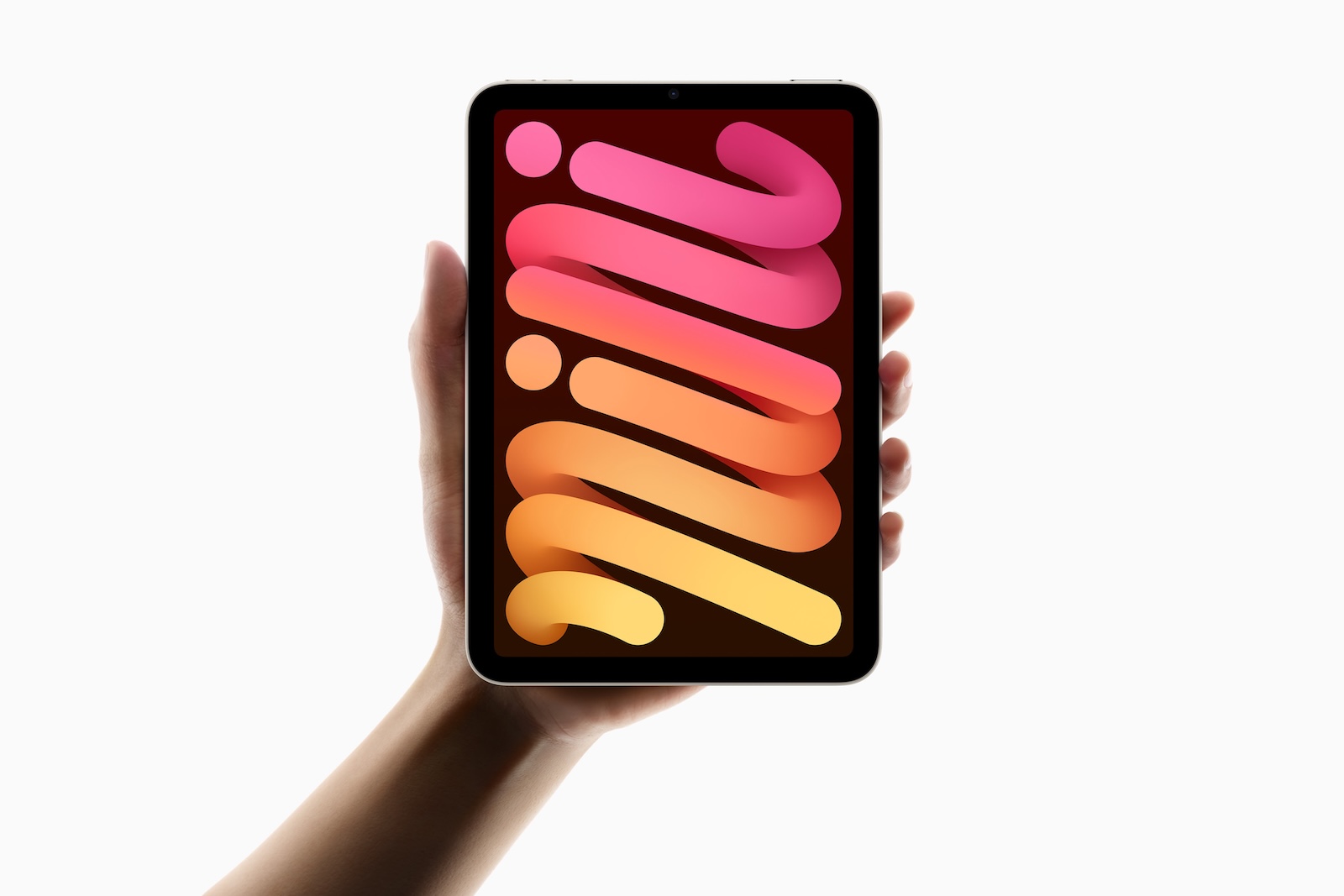
The iPad mini 7 is Apple's latest version of the compact tablet and not only brings hardware upgrades such as the A17 Pro chip and support for the Apple Pencil Pro, but also improvements to the display. One special feature that interests many users is the issue of "jelly scrolling", a well-known problem that already caused discussions with the previous model, the iPad mini 6. The phenomenon describes a visual distortion that occurs when displaying content and that some users find annoying. The repair website iFixit has now published a teardown video of the iPad mini 7, which provides insights into the changes and optimizations of the device and raises new questions about Apple's approach to "jelly scrolling".
Last weekend, the well-known repair platform iFixit published a teardown video of the new iPad mini 7. In doing so, iFixit not only revealed the internal technology of the tablet but also some interesting details about the display, which raise questions about Apple's approach to combating so-called "jelly scrolling". This problem, which users had already complained about in the previous model iPad mini 6, seems to have been at least partially resolved on the new iPad mini 7 - but the change remains mysterious.
What is jelly scrolling?
Jelly scrolling is a type of visual distortion that causes text and images on the screen to appear slanted or "wavy." This happens when the refresh rate differs on either side of the screen, which is especially noticeable in portrait mode. One side of the display responds faster than the other, resulting in a slightly offset image. While not all users notice this effect, it is often annoying for those who do see it. Jelly scrolling caused ongoing complaints on the iPad mini 6, prompting an Apple spokesperson to explain that it is "normal" behavior for LCD displays.
The iFixit Teardown: Questions and Open Secrets
When disassembling the iPad mini 7, iFixit checked to see if the position of the display controller had changed - a possible measure to reduce jelly scrolling. Previous speculation was that Apple may have rotated the display controller in the new model, which would reduce the effect in portrait mode. But according to iFixit, the display controller is in exactly the same place as on the iPad mini 6. This means that Apple appears to have taken a different approach to reducing visual distortion. Reviewers who have tested the iPad mini 7, reportthat the "jelly scrolling" is much less noticeable on this model. Some people don't even notice the effect anymore. This could indicate that Apple has made an unnoticed "trick" or technical adjustment. How exactly the effect was reduced remains speculation.
Further details from the teardown
In addition to the questions about “jelly scrolling”, iFixit also highlighted other interesting aspects of the iPad mini 7. The teardown video shows that the Apple logo on the back of the iPad mini 7 can be removed. This could potentially make the device easier to repair, as it would allow easier access to certain internal components. Other than that, the internal design of the iPad mini 7 is very similar to its predecessor, the iPad mini 6.
What's new in the iPad mini 7?
The iPad mini 7 was recently launched by Apple and brings some technical improvements:
- A17 Pro chip: This powerful chip delivers improved graphics and greater processing power, making iPad mini 7 an ideal choice for gaming, creative applications, and multitasking.
- Support for Apple Pencil Pro: The iPad mini 7 now supports the Apple Pencil Pro, making it particularly attractive for creative users and for taking notes and sketching.
- Apple Intelligence support: A feature that future-proofs the iPad mini 7 and optimizes the overall user experience.
These innovations make the iPad mini 7 a versatile device that has a lot to offer despite its compact size.
iPad mini 7: A powerful device with a solved but unresolved problem
In summary, iFixit's teardown shows that Apple may have made small but effective changes to the iPad mini 7 to reduce the "jelly scrolling" problem without fundamentally rearranging the display components. However, the exact adjustments remain unclear, leaving tech fans and users alike guessing. The iPad mini 7 convinced with its new A17 Pro chip, expanded support for the Apple Pencil and improved display. It is an all-round powerful tablet in a compact form that is suitable for many uses - from creative work to entertainment. (Image: Apple)
- New iPad 11: Update coming in early 2025
- iPad mini 7: Recovery possible wirelessly via iOS devices
- iPad mini 7 reviews: Has Apple fixed jelly scrolling?
- Apple brings spatial content to Safari for Vision Pro users





