

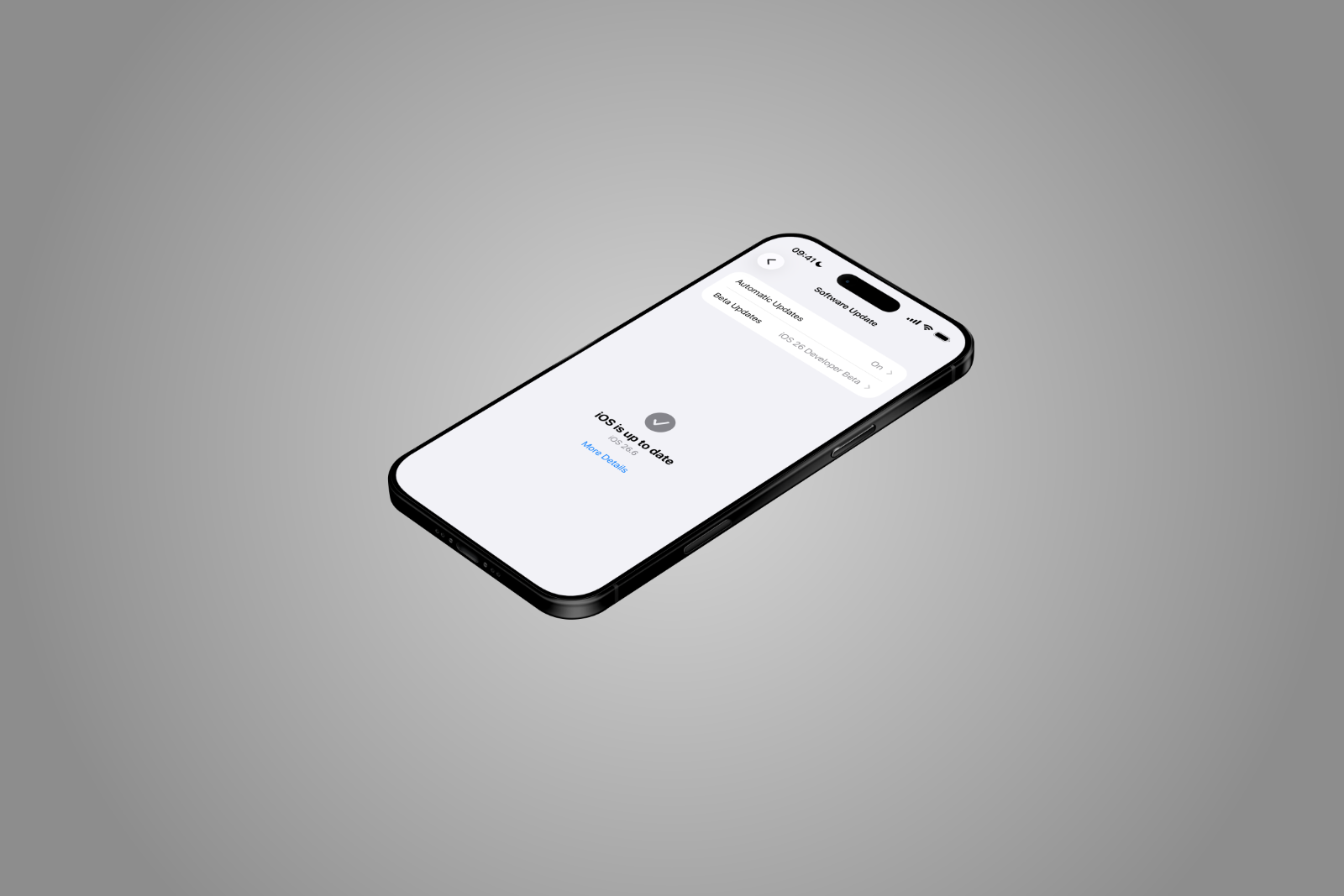
Apple's first beta of iOS 26.6 is small – but not entirely without new features. Users attempting to block too many contacts at once will now receive a separate warning message. This is a feature that Apple itself has never explicitly announced.
iOS 26.6 has officially entered the beta phase. Apple released the first test version to developers on May 26, 2026 – a few weeks after the final release of iOS 26.5. Since iOS 27 will be unveiled at WWDC 2026 on June 8, the changes in this beta round are naturally modest. However, developer Aaron Perris discovered a small but interesting new feature in the code – it concerns the blocked contacts list.
Limit reached: This is how Apple phrases the warning
The newly discovered warning appears as soon as a user attempts to add a contact to the already extensive block list, but the system's maximum limit has already been reached. The message reads "Blocked Contacts Limit Reached" and explains that the maximum number of blocked contacts has been reached. Users wishing to block additional contacts must first remove an existing entry in the settings.
The message's label suggests it's purely a textual improvement. The actual limit itself has existed in iOS for years. However, Apple has never publicly communicated the specific limit. Even in iOS 26.6, the new warning doesn't mention a concrete number – it simply kicks in as soon as the internal maximum is exceeded.
A feature for a tiny target group
The limit is unlikely to be relevant for the vast majority of users. Those who have blocked only a handful of spam numbers or individual contacts on their iPhone will, under normal circumstances, never even come close to this maximum. The new warning is primarily relevant for people who deliberately block a large number of numbers – for example, to curb recurring robocalls or as part of a manual spam strategy.
Apple has repeatedly refined its handling of unwanted calls in recent versions. iOS 26 already introduced comprehensive features such as Call Screening, Hold Assist, and a new filtering system against spam calls and spam texts. Consequently, the manual block list has likely become less important for many users – making the current warning in iOS 26.6 a rather specific, albeit minor, improvement.
Where blocked contacts are managed
The central location for blocked numbers is in the iPhone settings. Under "Apps" → "Phone" → "Blocked Contacts," you can view, edit, and remove entries. Alternatively, this section can also be accessed via "Privacy & Security" → "Blocked Contacts." According to Apple documentation, blocking a contact simultaneously blocks them in the Phone, Messages, FaceTime, and Mail apps.
In practice, there are several ways to add a number to the list. You can find detailed step-by-step instructions in the overview of checking, blocking, and filtering calls on the iPhone. This overview also explains the various filter options that Apple offers in addition to the standard blocking method.
A compact beta before the WWDC jump
That iOS 26.6 brings only a few visible changes is not unusual in Apple's update cycle. Shortly before a major release – in this case, iOS 27 at WWDC – Apple traditionally focuses on stability, security patches, and minor improvements in its point updates. Larger new features are typically reserved for the major release.
The newly discovered limit warning fits this pattern. It's minor, affects a narrowly defined target group, and only modifies an existing function in one area where Apple had previously provided no feedback. Those who regularly block numbers manually will at least know where they stand in the future. For all other users, iOS 26.6 will likely remain primarily a maintenance update – with a firm focus on the major new features expected in a few days with iOS 27. Until then, the fundamental changes to the Phone app will remain unchanged. (Image: Apfelpatient)
- Apple stock: Bank of America raises price target to $380
- iOS 26.6 Beta 1: Apple surprisingly launches a new testing phase
- Ferrari Luce: Apple's former design chief designs the first electric Ferrari
- Apple takes US government to court in DOJ case
- Apple is preparing a new "Gen AI" website ahead of WWDC 2026
- Mysterious Apple over-ear headphones appear in FCC database
- WhatsApp is working on a central hub for the online status of contacts
- Apple releases post-quantum code on GitHub
- Google appeals: Apple chose Google Search "fairly and honestly"
- iOS 26.5.1 is in testing – release expected in the next few days
- Apple becomes smartphone market leader for the first time in a first quarter
- Chase launches in Germany – what that means for an Apple Card in this country
- Apple is taking the Epic Games dispute to the Supreme Court
- iPhone sales in Latin America: 31 percent growth, Mexico with record jump
- Silo Season 3: New teaser reveals crucial twist for Juliette
- Apple TV broadcasts its first major live sporting event entirely on iPhone 17 Pro
- tvOS 27 brings enlarged text to the Apple TV 4K
- Apple Music publishes open letter on its handling of AI music
- iOS 27 automatically subtitles personal videos





