

Earlier this week, Apple released the fourth beta version of iOS 18. While this version doesn't bring any groundbreaking new features, it does offer a number of refinements and minor changes designed to further improve the user experience. Below, you'll find out everything you need to know about the latest changes in iOS 18 Beta 4.
Apple's continuous updates and improvements are designed to make the operating system even more user-friendly and functional. iOS 18 Beta 4 is another step in that direction, even if the changes may seem minor at first glance. Apple plans to continue updating iOS 18 in the coming weeks and release the final version in the fall. Here is a detailed summary of the most important changes and innovations.
CarPlay wallpapers
Apple has added new wallpapers for CarPlay, available in both light and dark mode. These new wallpapers match the ones you already know from your iPhone, giving you a consistent and engaging user interface no matter what device you use.
Settings
One of the most notable changes in Settings is how you access iCloud settings. There is now a dedicated iCloud option listed alongside the App Store, Game Center, and Wallet. You can still access iCloud settings through your Apple account, but the new placement makes it easier to find quickly.
camera settings
In the Camera section of the Settings app, there is a new option called “Controls Menu.” This feature allows you to keep the last camera tool you used when you expand the controls menu. This saves time and makes using the Camera app more efficient.
Hidden Folder
The design of the hidden folder in the app library has been changed. Instead of the previous eye symbol with a solid line, the hidden folder now shows an empty app square. This subtle change makes the folder less noticeable and your private data even better protected.
Dark Mode/Light Mode Icons
The dark and light mode icons now sync correctly with the settings on your iPhone. If you have automatic settings enabled under Customize, the icons will now switch between light and dark depending on which mode is active. This functionality was not present in previous betas.
stock symbol
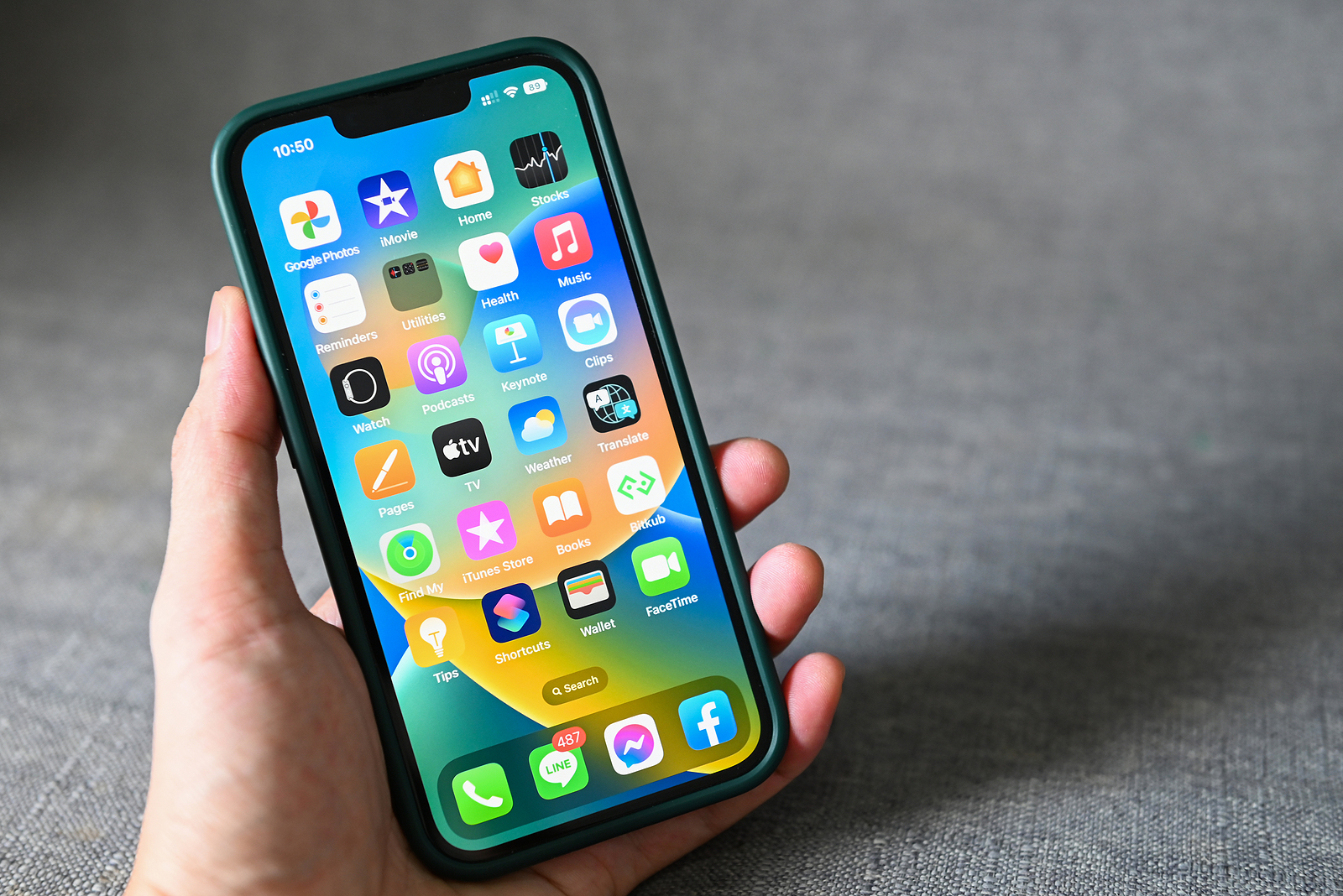
The Stocks app icon has been redesigned. The lines are now finer and the white veil that previously covered the bottom part of the icon has been removed, giving it a cleaner and more modern look.
iPhone mirroring
Although this feature belongs to macOS Sequoia rather than iOS 18, it is still worth mentioning. If you use iPhone mirroring with macOS Sequoia beta 4, you can resize the iPhone window on your Mac display. This offers more flexibility and ease of use when using both devices. (Currently not available in the EU!)
control center
There's a new toggle for Bluetooth in Control Center, but it's not functional yet. Apple has also added a switch for silent mode and an option for eye mirroring. The option to open the Music Control Center has been removed. These changes also apply to the controls on the lock screen.
AssistiveTouch
AssistiveTouch has received new options for Siri and Apple Watch Mirroring. These extensions make operation even more convenient and versatile for users who rely on AssistiveTouch.
Apple Intelligence
There are indications that Apple is continuing to work on integrating Apple Intelligence. These features could be implemented in the beta version in the near future, which would make the operating system even smarter and more powerful. (Not in the EU for now!)
Apple stays on the ball: Improvements in iOS 18 Beta 4
The fourth beta of iOS 18 may not bring revolutionary changes, but it shows that Apple is continuously working to improve the operating system and optimize the user experience. From new wallpapers in CarPlay to improved settings and designs, every little change helps make iOS 18 an even more mature and user-friendly system. Stay tuned for more updates and get ready to experience the full iOS 18 this fall. Looking for quality accessories? Our Amazon Storefront offers a wide range of products from leading manufacturers, perfect for HomeKit and more! (Photo by Bigc Studio / Bigstockphoto)





