

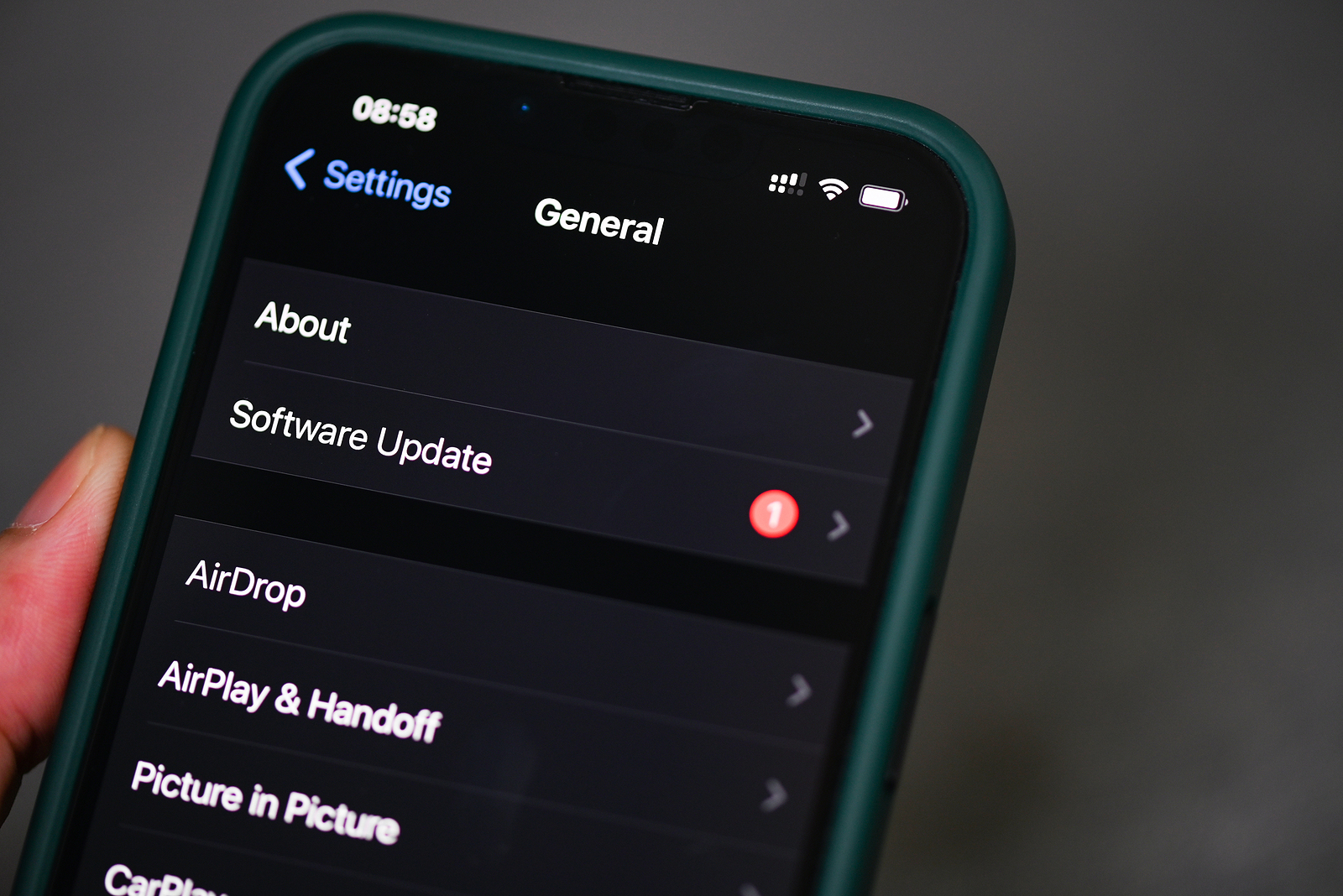
Apple recently released the second beta version of iOS 18.2 and iPadOS 18.2. With this update, Apple once again shows how much they are committed to optimizing and expanding the user experience. From new options for "Find My?" to ChatGPT restrictions to updates for camera controls: iOS 18.2 Beta 2 offers many improvements that make everyday life with the iPhone even more convenient and productive.
The iOS update regularly offers improvements to optimize the user experience and iOS 18.2 Beta 2 is no exception. This update brings, among other things, new options for Apple Intelligence and Siri integration, camera settings and important adjustments for battery life and temperature control. Let's take a closer look at the individual features of iOS 18.2 Beta 2.
"Where is?": Share locations and view contact information
With iOS 18.2, you can now share the location of a lost item with an airline or trusted person using Find My. The link created allows others to track the item's location even on non-Apple devices, which is very handy if your item goes missing. The links expire automatically after a week or can be manually disabled once the item is found. Additionally, there's a "Show Contact Info" option that lets anyone who finds the item go to a website that shows the owner's phone number and email address, simplifying the return process.
Siri and ChatGPT limitations
A major update for Siri users is the integration of ChatGPT limits. The ChatGPT section of Apple Intelligence now shows the current usage limits for free users and the option to upgrade to the paid ChatGPT Plus plan. Users get free access to ChatGPT, but are limited to a limited number of requests for the latest ChatGPT 4.0 engine and DALL-E 3 images. After reaching the limit, they automatically switch to a simpler version of ChatGPT. Alternatively, users can also subscribe to the monthly $20 subscription.
battery life and temperature control
Apple has also worked on battery life and temperature control to improve the overall user experience. According to the iOS 18.2 Beta 2 release notes, battery life should be noticeably longer and your device's temperature should be better regulated, especially during intensive use or long charging cycles.
New icons in dark mode
The icons in the Settings app have been optimized for dark mode and now have a darker look that better matches the color of the black background. This adjustment gives the user interface a modern, clean look and makes it easier on the eyes when using dark mode.
Improved camera controls for iPhone 16 users
There are new adjustments to camera controls for iPhone 16 users. The new AE/AF lock lets you fix exposure and focus with a light press. You can also adjust the double-click speed of camera controls, with options like Standard, Slow, and Slower.
New fitness shortcuts
For fitness enthusiasts, iOS 18.2 offers new shortcuts in the Fitness app. You can now open Fitness settings, view your awards, check your session history, and browse your trophy collection directly from a shortcut. These features make it easier to access your fitness data and optimize your workouts.
Safari download status in the Dynamic Island
From now on, you can track the progress of Safari downloads directly on the lock screen and in the Dynamic Island. This way, you can always see an overview of your downloads without having to open Safari first.
Vehicle movement instructions in the Dynamic Island
When you're driving in a vehicle, iOS 18.2 can now display vehicle motion alerts on the Dynamic Island. This feature is specifically designed to help reduce feelings of dizziness while driving by alerting you to gentle movements.
Trusted connection to Mac via Face ID
If you're connecting to a Mac, you can now use Face ID to trust the device, increasing security while providing convenient access to your Mac.
Apple Music and disc number
Apple Music now displays the disc number for some albums. This feature is aimed at music lovers who value a structured music collection and want to keep a better overview of their tracks and albums.
standard browser selection in the EU
In the European Union, iOS users are required to choose a default browser when opening Safari. This change complies with the Digital Markets Act and gives you more control over which browser you want to use.
Exciting new features: iOS 18.2 Beta 2 at a glance
iOS 18.2 Beta 2 offers a number of new features and improvements that make your iPhone and iPad experience more intuitive and secure. From location sharing and Find My to improved camera controls and Safari, Apple is showing that they are listening to users' needs. You can test the beta version to try out the latest features now. Stay tuned and keep your software updated to benefit from these new, exciting features! Looking for the best accessories? Visit our Amazon Storefront and discover a variety of products from top providers, including for HomeKit! (Photo by Bigc Studio / Bigstockphoto)
- iOS 18.2 will soon show the exact charging time of your iPhone
- visionOS 2.2 Beta: Apple expands Mac Virtual Display





