

apple patient
  • Home
  • News
  • Rumors
  • Tips & Tricks
  • Reviews
  • Insights
No Result
View All Result
  • iPhone 18
  • iOS 27
  • iPadOS 27
  • macOS
  • MacBook Neo
  • iPhone 17e
  • AirTags
  • iOS 26
  • iPhone 17
  • MacBook Pro
  • iPadOS
  • iMac
  • Mac mini
  • HomePod
  • Apple TV
  • iPad Pro
  • iPhone Air
  • Apple Vision Pro
  • iPhone 16
  • AirPods 4
  • Apple Watch Ultra
  • HomePod Mini
  • MacBook Air
  • iPad
  • AirPods Max
  • AirPods Pro 3
  • Apple Watch Series 3
  • Mac Studio
  • Studio Display
  • iPad Air
  • iPad mini
  • watchOS 27
  • Apple CarPlay
  • Apple Pay
  • watchOS 26
  • Home
  • News
  • Rumors
  • Tips & Tricks
  • Reviews
  • Insights
No Result
View All Result
apple patient
No Result
View All Result

iOS 17.3 Beta: Protection against iPhone theft

Milan Jovicic by Milan Jovicic
12. December 2023 - 19:44 CET
in Apple News
0
iOS 17.3

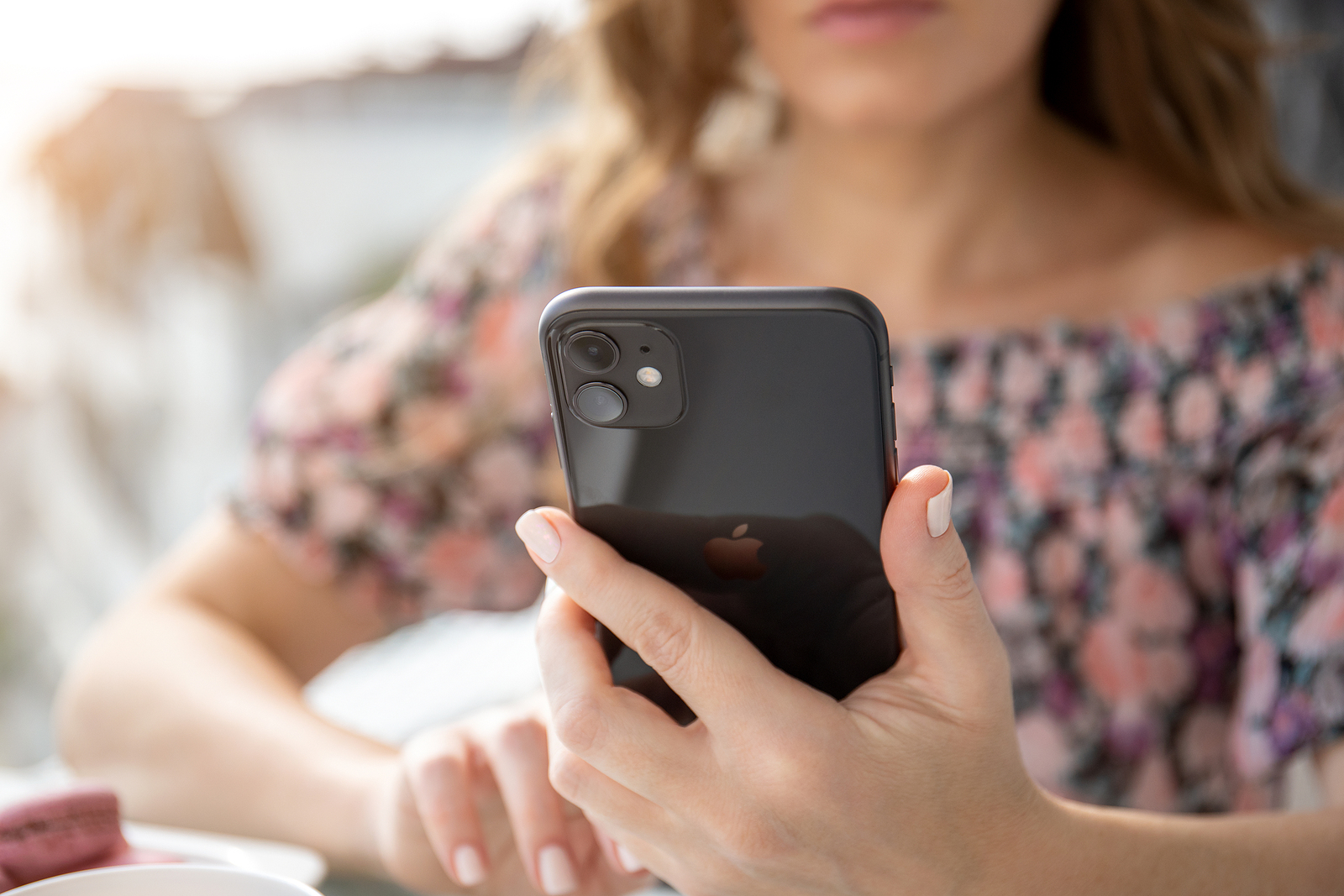
Anapa, Russia - October 4, 2019: Woman hand holding Apple iPhone 11 and sitting at the table. iPhone was created and developed by the Apple inc.

WhatsAppFacebookEmail
Threads

The brand new iOS 17.3 beta version, which has been rolling out to developers since Tuesday evening, comes with a highly anticipated security feature that better protects your iPhone, even if it is stolen and the thief has access to your passcode.

With this new feature, iPhone users will also need to authenticate using Face ID or Touch ID to perform sensitive actions, including viewing passwords or keys in iCloud Keychain, requesting a new Apple Card, disabling Lost Mode, and more.

A safety delay for extra protection

For particularly sensitive actions, such as changing your Apple ID password, the feature adds a security delay. In such cases, you must first authenticate using Face ID or Touch ID, then wait an hour and authenticate again. Note, however, that this delay will not be activated if your iPhone is in trusted locations, such as home or work.

How to activate the function

You can find the opt-in function in the settings under “Face ID & Passcode” → “Stolen device protection”. You can test the function after updating to iOS 17.3 Beta.

Which actions require additional authentication?

Actions that require Face ID or Touch ID authentication when the feature is enabled include viewing and using passwords in iCloud Keychain, requesting a new Apple Card, turning off Lost Mode, erasing content and settings, performing certain actions in Wallet, using payment methods in Safari, and more.

Protection against the nastiest theft methods

This new feature is a response to reports of thieves sniffing out passcodes before stealing iPhones. With Stolen Device Protection, your digital life will be better protected because thieves will have a hard time accessing your sensitive information.

Available for all compatible iPhones

This option will be available on all iPhones compatible with iOS 17, including iPhone XS and later. iOS 17.3 is expected to be released in January or February. With iOS 17.3 beta, you can now take a look at the future of iPhone protection and look forward to a safer mobile experience. Looking for new accessories? Then take a look in our Amazon Storefront - there you will find numerous products from leading suppliers, also for HomeKit and Co.! (Photo by DenPhoto / Bigstockphoto)


  • iOS 17.2: Record spatial videos with the iPhone 15 Pro
Make Apfelpatient a preferred source One click – and you'll see us more often on Google
Was this article helpful?
YesNo
Tags: iOSiOS 17.3iPhone
SendShareSend
Share

Our Amazon Storefront

A handpicked selection of products for iPhone, Mac and more – sorted by topic and updated regularly.

Shop Now

This post contains affiliate links (including Amazon). We earn a small commission on qualifying purchases – at no extra cost to you. Learn more on our Partner Program page.

Previous Post

Nomad Stand One Max Hands-On: Practical and stylish

Next Post

iPhone: How to change your default notification tone

Milan Jovicic

Milan Jovicic

Milan founded Apfelpatient in 2016 and has been responsible for all editorial content since 2018 — news, rumors, guides, and product reviews. Apple devices here are not test units on loan for two weeks but everyday tools: from the iPhone through MacBook Pro, MacBook Air, and iMac to the Apple Vision Pro, at least one device from nearly every product category is in daily use, many of them replaced annually. Every menu path in a guide is verified on the device before it is published.

Drawn outline of the folded iPhone Ultra with square corners on the hinge side and rounded corners opposite, matching the leaked iPhone Ultra screen protectors

iPhone Ultra: Screen protectors reveal the camera position

August 12, 2026 - 3:58 PM CEST
Glass panel set into the aluminium frame on the back of an iPhone 17 Pro Max in Cosmic Orange, whereas the iPhone 20 glass design is said to wrap the glass around the edges

iPhone 20: Glass design is not supposed to be scrapped after all

August 12, 2026 - 2:50 PM CEST
Jennifer Bailey on stage at an Apple event in front of a projected Apple Card, the Apple Pay chief is leaving the company in October

Apple Pay: Jennifer Bailey is leaving Apple in October

August 12, 2026 - 2:31 PM CEST

About APFELPATIENT

APFELPATIENT brings you the latest Apple news, product updates, guides, reviews and tips across the entire Apple ecosystem — from the iPhone to the Mac to the Apple Vision Pro. From the first rumors to confirmed news: researched responsibly.

Follow Apfelpatient

Facebook Instagram YouTube Threads Threads

Company

  • About Apfelpatient
  • Contact
  • Author Profiles

Community

  • Netiquette
  • Push Notifications
  • RSS feed

Legal

  • Legal Notice
  • Privacy Policy
  • Terms of Use
  • Cookie Settings
  • Affiliate Program

Resources

  • Sitemap

© 2026 Apfelpatient. All rights reserved.

No Result
View All Result
  • Home
  • News
  • Rumors
  • Tips & Tricks
  • Reviews
  • Insights

© 2026 Apfelpatient. All rights reserved. Page Directory

Change language to Deutsch


