

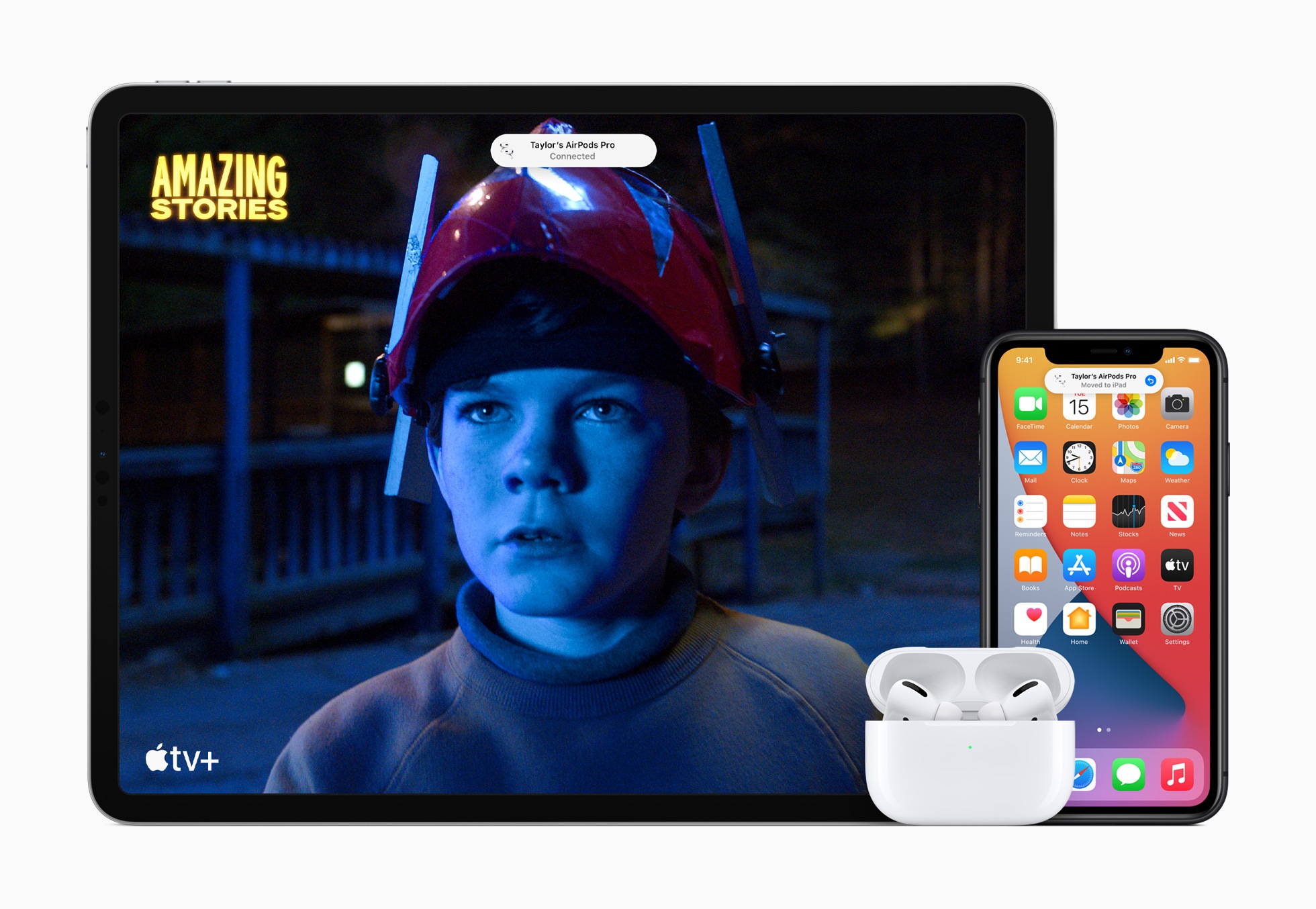
Apple has now officially released iOS 14, iPadOS 14, watchOS 7 and tvOS 14 for all users worldwide. Below we summarize the highlights for you.
The new operating system brings a long-awaited feature - widgets. The first hints were already available at the beginning of the year in a leaked version of iOS 14. These are displayed in different sizes. As part of the update, the design of the home screen will of course also change, making large app libraries much clearer. A new view is also used that makes organizing applications very easy. The apps are automatically organized in the app library. In addition, individual pages can be hidden completely if desired. If you want to sort apps according to your usage pattern, you can rejoice - iOS 14 makes it possible.
iMessage & Memojis
Of course, a lot will also be happening in iMessage. This shows that Apple was anything but stingy. The mention function known from WhatsApp will now be part of the next update. In addition, specific people can be addressed directly in a group chat. Frequently used chats can also be pinned. In the Memojis area, there is now a larger selection of hair and headwear, face coverings and age options.
Translator app and Siri in a new look
Part of iOS 14 will also be a new translator The app can be used in both online and offline mode and supports a total of eleven languages. Since Apple wants to make the home screen clearer in the future, Siri has also been revised. Accordingly, the smart voice assistant will no longer take up the entire screen in iOS 14. In addition, Siri can now send audio messages and translate other languages. The link is established with the new translator app.
iOS 14: Picture-in-Picture
Another innovation is the Picture-in-Picture featureThis means that iPhone users will be able to watch a video while navigating in another app. The feature has been supported on the iPad for several years now, so it is not entirely new. During playback, the view can also be moved to the side so that only the sound is heard.
CarKey & CarPlay
A feature that was leaked some time ago is called CarKey. It turns the iPhone and Apple Watch into a car key. Users can unlock, lock and start a compatible car via NFC. The function is based on Apple Pay - the digital car key is stored in Wallet and can be shared with friends via iMessage. The function will initially be introduced for BMW customers starting next month, with the 2021 BMW 5 Series being supported. According to Apple, other car manufacturers will follow next year. CarPlay has new wallpapers and app categories to offer - as Apple confirms.
Apple Maps
Of course, Maps is also being expanded. It is now easier to find restaurants or explore cities. Thanks to iOS 14, the app always has a recommendation ready. Furthermore, cycling is now also added as an option.
Clips in the App Store
App Clips are pop-up apps that users can interact with without downloading an app. They're easier to discover, can be launched from the web, and more. They can also be scanned or accessed with the camera and support Sign In with Apple and Apple Pay. They're 10MB or less in size.
iOS 14 releases standard applications
A particularly important and long overdue step is the free customization of standard applications. This means that in the future, users will be able to customize the browser and the standard email application. This means that under iOS 14 we have the freedom of choice and can set any email app or browser application as the standard app. More on this here: iOS 14: Apple shares requirements for standard apps
Next up is iPadOS 14
While all iPhone features are available on the iPad, Apple's tablet also gets some notable new features. Siri and incoming calls are no longer displayed in full screen mode. But by far the most notable feature is system-wide handwriting recognition. Apple has improved Spotlight search to reflect the Mac experience, with a non-modal search field that floats in the middle of the screen. Users can use a connected keyboard to quickly launch applications or actions - thanks to shortcuts.
Apple Scribble
The Apple Scribble feature focuses on the Apple Pencil. The function was leaked a few months ago. According to this, users can now write in any text field with the Apple Stylus and the system automatically converts the handwritten text into typed text. The updates are now available for download to all users. AirPods Pro on special offer at Amazon – available now. (Image: Apple)






Comments 3