

apple patient
  • Home
  • News
  • Rumors
  • Tips & Tricks
  • Reviews
  • Insights
No Result
View All Result
  • iPhone 18
  • iOS 27
  • iPadOS 27
  • macOS
  • MacBook Neo
  • iPhone 17e
  • AirTags
  • iOS 26
  • iPhone 17
  • MacBook Pro
  • iPadOS
  • iMac
  • Mac mini
  • HomePod
  • Apple TV
  • iPad Pro
  • iPhone Air
  • Apple Vision Pro
  • iPhone 16
  • AirPods 4
  • Apple Watch Ultra
  • HomePod Mini
  • MacBook Air
  • iPad
  • AirPods Max
  • AirPods Pro 3
  • Apple Watch Series 3
  • Mac Studio
  • Studio Display
  • iPad Air
  • iPad mini
  • watchOS 27
  • Apple CarPlay
  • Apple Pay
  • watchOS 26
  • Home
  • News
  • Rumors
  • Tips & Tricks
  • Reviews
  • Insights
No Result
View All Result
apple patient
No Result
View All Result

Apple releases GM of iOS 13.5 – What’s new

Milan Jovicic by Milan Jovicic
18. May 2020 - 19:39 CEST
in Apple News
0
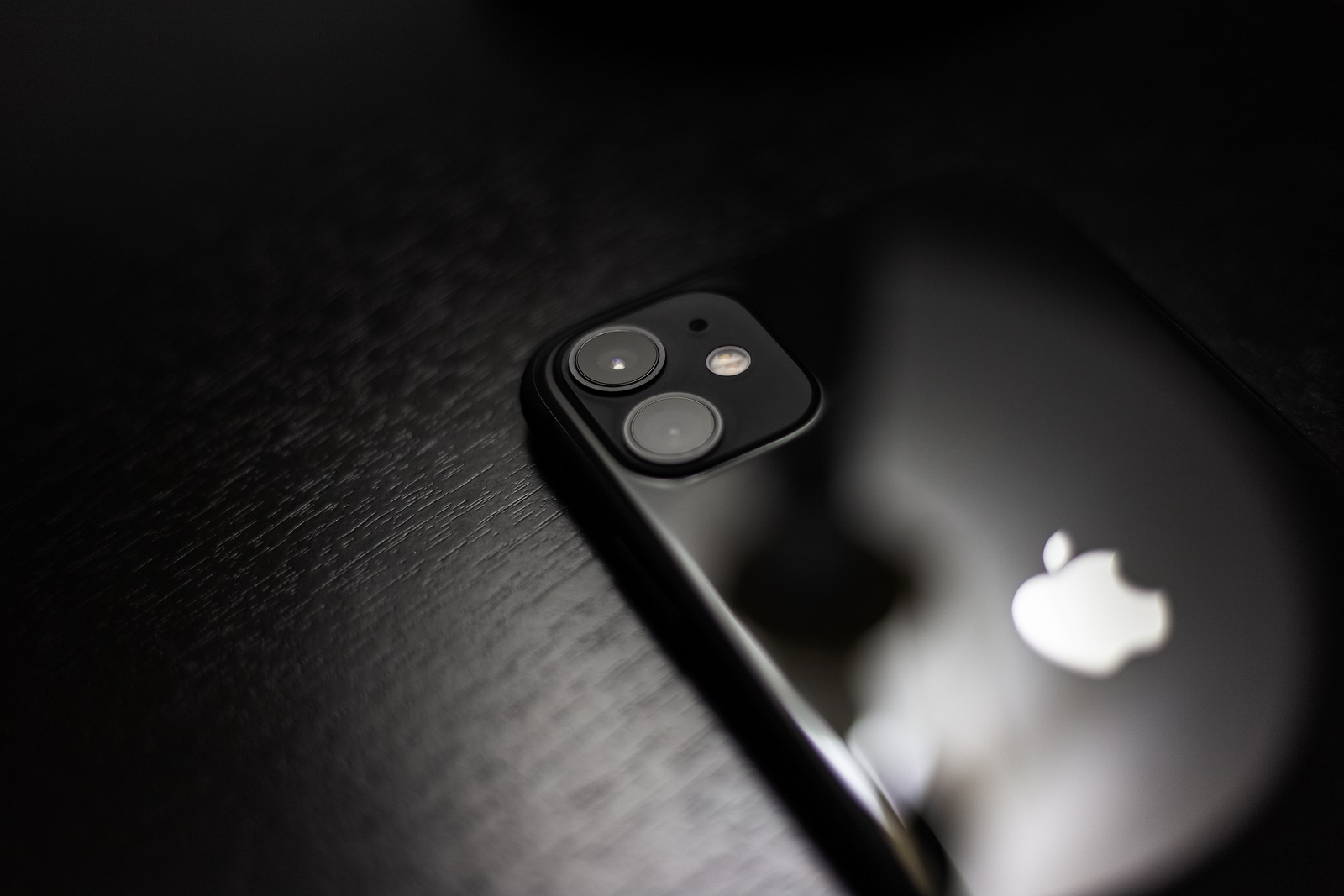
Moldova, Chisinau - November 3, 2019: Close-up of black iPhone 11 on dark wooden table.

Moldova, Chisinau - November 3, 2019: Close-up of black iPhone 11 on dark wooden table.

WhatsAppFacebookEmail
Threads

Apple released the Golden Master versions of iOS 13.5, iPadOS 13.5, tvOS 13.4.5 and Xcode 11.5 to all developers this evening. 

Apple today released iOS 13.5 as a Golden Master version for developers. This is the finished build that will soon be available to all users. In addition to the Golden Master versions, the final version of watchOS 6.2.5 was also released for all users. The new features in iOS 13.5 and iPadOS 13.5 include the integration of the new interface called “COVID-19 Exposure Notifications”. This is required to use the Corona warning app. It is designed for maximum data protection and privacy and is intended to help reduce the spread of COVID-19. The interface itself is useless, however, as long as the user does not install a corresponding app on their iPhone. In addition to the new API, Apple has expanded the emergency pass function. Users can now choose whether the emergency pass should be shared directly with the emergency services when using the SOS function. The feature is useful in that the first aid team could immediately receive relevant data about the patient, including information about allergies, medications and more. You can find further details here.

FaceTime also gets a change

Group FaceTime has a dynamic view by default in which all participants are shown in individual tiles. The person currently speaking is automatically highlighted while the rest shrink. But not everyone likes this feature. For this reason, Apple An option called “Automatic Highlighting” has now been added. This can be accessed via the settings and can then be deactivated or reactivated as desired. If the feature is deactivated, all tiles remain unchanged during the call. So, if you want to deactivate the function, you have to open the “FaceTime” section in the iOS settings. In the lower part, the “Speak” function can be deactivated in the “Automatic Highlighting” section. 

iOS 13.5 helps recognize Face ID masks

Another particularly interesting optimization can be found in Face ID. Owners of a Face ID-enabled iPhone know the problem with masks. We are not recognized and the switch to code entry only occurs after several scan attempts. That is now changing. This means that a Face ID iPhone can now recognize masks and jump directly to password entry - thank you Apple! Another feature can be discovered in Apple Music. Subscribers to Apple's streaming service can now post any song, album or playlist directly from the app to their own Instagram or Facebook story. You can find out how to do this here read.

iOS 13.5: Bugs, security holes and stability

iOS 13.5 also fixes two security vulnerabilities that affect the Mail application on the iPhone and iPad. The vulnerabilities allow attackers to infect iOS devices remotely by sending mass emails. In addition to new features and fixing bugs and security vulnerabilities, iOS 13.5 is intended to provide more stability. The update could be available for download for all users as early as tomorrow. (Photo by Fedcophoto / Bigstockphoto)

Update May 20, 2020:

  • iOS 13.5 & more released for all users
Make Apfelpatient a preferred source One click – and you'll see us more often on Google
Was this article helpful?
YesNo
Tags: Apple WatchiOSiOS 13.5iPadOSiPhonetvOStvOS 13.4.5watchOSwatchOS 6.2.5
SendShareSend
Share

Our Amazon Storefront

A handpicked selection of products for iPhone, Mac and more – sorted by topic and updated regularly.

Shop Now

This post contains affiliate links (including Amazon). We earn a small commission on qualifying purchases – at no extra cost to you. Learn more on our Partner Program page.

Previous Post

Pride Edition for Apple Watch: New straps released

Next Post

HomePod 2 launch is getting closer

Milan Jovicic

Milan Jovicic

Milan founded Apfelpatient in 2016 and has been responsible for all editorial content since 2018 — news, rumors, guides, and product reviews. Apple devices here are not test units on loan for two weeks but everyday tools: from the iPhone through MacBook Pro, MacBook Air, and iMac to the Apple Vision Pro, at least one device from nearly every product category is in daily use, many of them replaced annually. Every menu path in a guide is verified on the device before it is published.

Key art for the Apple TV series Pluribus showing a screaming woman against a yellow background, with Pluribus season 2 about to begin filming

Pluribus: Gilligan plans at least three seasons

August 12, 2026 - 8:27 PM CEST
The iPhone 17 lineup in five colors seen from the back, whose successor is expected to adopt the smaller iPhone 18 Dynamic Island from the Pro models

iPhone 18: Smaller Dynamic Island already in the base model

August 12, 2026 - 8:13 PM CEST
Drawn outline of the folded iPhone Ultra with square corners on the hinge side and rounded corners opposite, matching the leaked iPhone Ultra screen protectors

iPhone Ultra: Screen protectors reveal the camera position

August 12, 2026 - 3:58 PM CEST

About APFELPATIENT

APFELPATIENT brings you the latest Apple news, product updates, guides, reviews and tips across the entire Apple ecosystem — from the iPhone to the Mac to the Apple Vision Pro. From the first rumors to confirmed news: researched responsibly.

Follow Apfelpatient

Facebook Instagram YouTube Threads Threads

Company

  • About Apfelpatient
  • Contact
  • Author Profiles

Community

  • Netiquette
  • Push Notifications
  • RSS feed

Legal

  • Legal Notice
  • Privacy Policy
  • Terms of Use
  • Cookie Settings
  • Affiliate Program

Resources

  • Sitemap

© 2026 Apfelpatient. All rights reserved.

No Result
View All Result
  • Home
  • News
  • Rumors
  • Tips & Tricks
  • Reviews
  • Insights

© 2026 Apfelpatient. All rights reserved. Page Directory

Change language to Deutsch



