

apple patient
  • Home
  • News
  • Rumors
  • Tips & Tricks
  • Reviews
  • Insights
No Result
View All Result
  • iPhone 18
  • iPhone 18 Pro
  • iPhone Duo
  • Apple Watch Series 12
  • Apple Watch Ultra 4
  • AirPods 5
  • iOS 27
  • iPadOS 27
  • macOS
  • MacBook Neo
  • iPhone 17e
  • AirTags
  • iOS 26
  • iPhone 17
  • MacBook Pro
  • iPadOS
  • iMac
  • Mac mini
  • HomePod
  • Apple TV
  • iPad Pro
  • iPhone Air
  • Apple Vision Pro
  • iPhone 16
  • AirPods 4
  • Apple Watch Ultra
  • HomePod Mini
  • MacBook Air
  • iPad
  • AirPods Max
  • AirPods Pro 3
  • Apple Watch Series 3
  • Mac Studio
  • Studio Display
  • iPad Air
  • iPad mini
  • watchOS 27
  • Apple CarPlay
  • Apple Pay
  • watchOS 26
  • Home
  • News
  • Rumors
  • Tips & Tricks
  • Reviews
  • Insights
No Result
View All Result
apple patient
No Result
View All Result
  • iPhone 18
  • iPhone 18 Pro
  • iPhone Duo
  • Apple Watch Series 12
  • Apple Watch Ultra 4
  • AirPods 5
  • iOS 27
  • iPadOS 27
  • macOS
  • MacBook Neo
  • iPhone 17e
  • AirTags
  • iOS 26
  • iPhone 17
  • MacBook Pro
  • iPadOS
  • iMac
  • Mac mini
  • HomePod
  • Apple TV
  • iPad Pro
  • iPhone Air
  • Apple Vision Pro
  • iPhone 16
  • AirPods 4
  • Apple Watch Ultra
  • HomePod Mini
  • MacBook Air
  • iPad
  • AirPods Max
  • AirPods Pro 3
  • Apple Watch Series 3
  • Mac Studio
  • Studio Display
  • iPad Air
  • iPad mini
  • watchOS 27
  • Apple CarPlay
  • Apple Pay
  • watchOS 26

All new features in iOS 13.3

Milan Jovicic by Milan Jovicic
November 5, 2019 - 10:57 PM CET
in Apple News
0
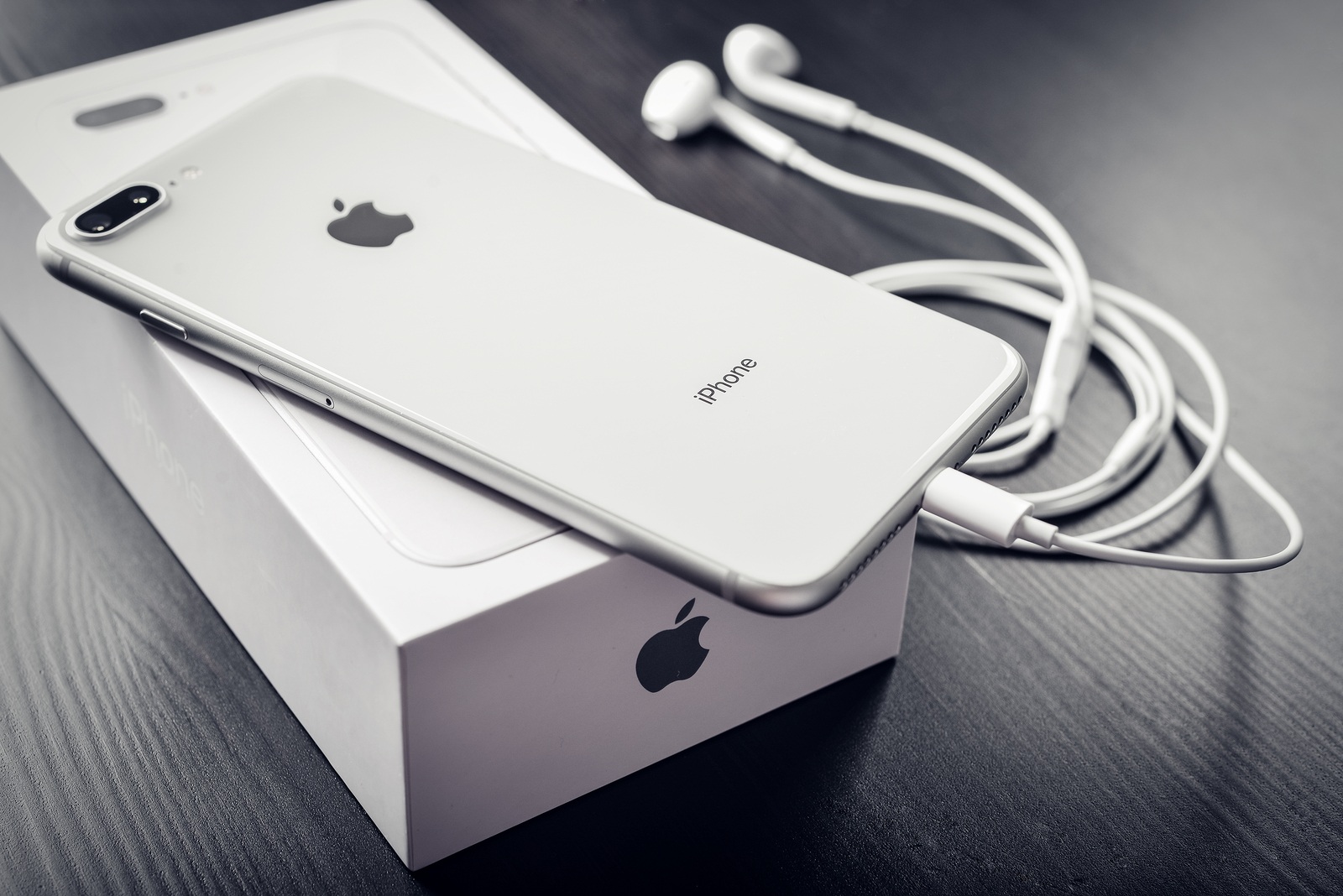
Kyiv, Ukraine - January 24, 2018: Front and back view of Apple iPhone 8 Plus Silver isolated on white background with clipping path

Kyiv, Ukraine - January 24, 2018: Front and back view of Apple iPhone 8 Plus Silver isolated on white background with clipping path

WhatsAppFacebookEmail
Threads

Apple recently released the first beta of iOS 13.3 for developers and made a number of changes. Among the new features is one that is particularly popular - it's about Apple's Memojis - more on that below.

I'm mean, aren't I? Well, I'll reveal the function right at the beginning. While Memoji stickers are loved by many fans, there are also some iPhone users who simply hate them. There was no option to deactivate them until now - but that changes in iOS 13.3.  we list the most important new features and changes in the first preview of iOS 13.3.

screen time – Screen time has now become an important feature for many users. However, a new function – communication limit – has not yet been introduced. This is now changing in iOS 13.3. Here you will find settings for controlling communication while screen time is activated. The options allow you to extend the limit to individual contacts or to all contacts. You can also determine whether someone can be added to a group. To prevent children, for example, from bypassing the block, another option has been integrated. This allows you to decide whether contacts can be edited. Regardless of the communication limit settings, calls to emergency numbers are always allowed. However, this results in all limits being deactivated for a full 24 hours. Apple explains the feature as follows:

“The communication limit allows you to control who your children are allowed to communicate with and who they can communicate with throughout the day and during downtime.”

Apple Watch App – Here, too, an almost invisible change was made to the app icon. Apple changed the color of the crown from black to gray.

Memojis stickers – In iOS 13.3, an option was added that allows you to activate or deactivate the Memoji stickers in the iPhone keyboard. This means that they can now be turned off.

Danger – To all Beats Solo Pro users, the first beta of iOS 13.3 does not contain the PID for recognizing the headphones - therefore, the accessory cannot be paired with the iPhone under the current beta version. Developer Guilherme Rambo points this out on Twitter. In addition to the main innovations mentioned above, some bugs have been fixed and optimizations have been made, as always.

Notice: I can only repeat myself. A beta is for testing and should under no circumstances be installed on actively used devices. Apple also clearly recommends a second device for this. I would also like to remind the public beta testers among you about the feedback app. If you discover errors, please report them via the app - that's what it's there for. Often many of you comment on the errors in various forums but don't report them. Discussions are always exciting and welcome - but please don't forget your actual task. You can find out how to take part in a public beta test here. (Photo by tashka2000 / Bigstockphot)

You are currently viewing a placeholder content from X. To access the actual content, click the button below. Please note that doing so will share data with third-party providers.


More Information

Unblock content Accept required service and unblock content
You don't want to miss any more news? Then subscribe to our Telegram channel
Make Apfelpatient a preferred source One click – and you'll see us more often on Google
Was this article helpful?
YesNo
Tags: BetaiOSiOS 13.3iPhone
SendShare190Send
Share

Our Amazon Storefront

A handpicked selection of products for iPhone, Mac and more – sorted by topic and updated regularly.

Shop Now

This post contains affiliate links (including Amazon). We earn a small commission on qualifying purchases – at no extra cost to you. Learn more on our Partner Program page.

Previous Post

iOS 13.3 – RAM problems are said to be fixed

Next Post

How to delete Siri and dictation history on iPhone & iPad

Milan Jovicic

Milan Jovicic

Milan founded Apfelpatient in 2016 and has been responsible for all editorial content since 2018 — news, rumors, guides, and product reviews. Apple devices here are not test units on loan for two weeks but everyday tools: from the iPhone through MacBook Pro, MacBook Air, and iMac to the Apple Vision Pro, at least one device from nearly every product category is in daily use, many of them replaced annually. Every menu path in a guide is verified on the device before it is published.

Related posts

Apple vs. OpenAI: OpenAI wants to overturn Apple's new expert opinions

by Milan Jovicic
September 26, 2026 - 10:49 CEST
Symbolic image for the Apple OpenAI lawsuit: illustrated file folder showing the case number on a dark blue background

Apple vs. OpenAI: The defendants want Apple's new expert opinions dismissed. Former employee Chang Liu explains the damaging news.

Read moreDetails

HomePod mini 2 and Apple TV 4K: Apple code reveals the devices

by Milan Jovicic
September 25, 2026 - 11:08 p.m. CEST
Siri Remote for the Apple TV 4K on a grey stone surface – for the code finding on the HomePod mini 2 and Apple TV 4K

HomePod mini 2 and Apple TV 4K (4th generation): Apple's code reveals five colors, the familiar design, and what applies to Siri AI in this country.

Read moreDetails

iPad mini 8 and iPad 12: Apple code reveals chips and camera

by Milan Jovicic
September 25, 2026 - 10:48 p.m. CEST
Yellow entry-level iPad seen from the back on a grey stone surface – for the code finding on the iPad mini 8 and iPad 12

iPad mini 8 and iPad 12: Apple's code mentions A20 Pro and A19, a new front camera on the mini, and Apple Intelligence for the entry-level iPad.

Read moreDetails

watchOS 27.2: Code reveals new screenshot preview

by Milan Jovicic
September 24, 2026 - 8:36 p.m. CEST
Apple Watch Ultra with an orange band showing the app view, the device getting the new screenshot preview in watchOS 27.2

watchOS 27.2 includes a new screenshot interface for the Apple Watch: preview, share, and delete, just like on the iPhone. It's currently inactive.

Read moreDetails

Apple TV: Peanuts classics free again for Christmas

by Milan Jovicic
September 24, 2026 - 6:43 p.m. CEST
Charlie Brown holding a small Christmas tree under a starry sky in the snow, a scene from A Charlie Brown Christmas, free again on Apple TV

Three classic Peanuts cartoons are back on Apple TV for the holidays, no subscription required. Plus, there are new specials featuring Snoopy and the Fraggle Rocks.

Read moreDetails
Load More

Categories

  • Apple Insights
  • Apple Rumors
  • Apple News
  • Apple Tips & Tricks
  • iPhone news, rumors and tips
  • Mac and MacBook News
  • Reviews

About APFELPATIENT

APFELPATIENT brings you the latest Apple news, product updates, guides, reviews and tips across the entire Apple ecosystem — from the iPhone to the Mac to the Apple Vision Pro. From the first rumors to confirmed news: researched responsibly.

Follow Apfelpatient

Facebook Instagram YouTube Threads Threads

Company

  • About Apfelpatient
  • Contact
  • Author Profiles

Community

  • Netiquette
  • Push Notifications
  • RSS feed

Legal

  • Legal Notice
  • Privacy Policy
  • Terms of Use
  • Cookie Settings
  • Affiliate Program

Resources

  • Sitemap

© 2026 Apfelpatient. All rights reserved.

No Result
View All Result
  • Home
  • News
  • Rumors
  • Tips & Tricks
  • Reviews
  • Insights

© 2026 Apfelpatient. All rights reserved. Page Directory

Change language to Deutsch


