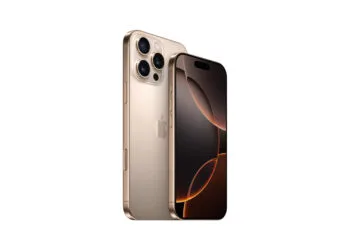
iPhone 16: How to disable the camera control button
Do you want to deactivate the camera control button on your iPhone 16? Here you will learn step by step how to turn off this function.

Do you want to deactivate the camera control button on your iPhone 16? Here you will learn step by step how to turn off this function.
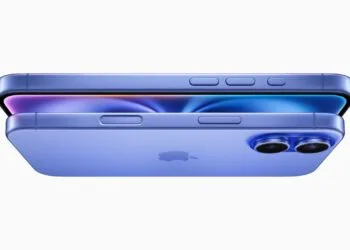
iPhone 16: Use the new camera control button as a magnifying glass. Discover how to enlarge text and small details - perfect for on the go!
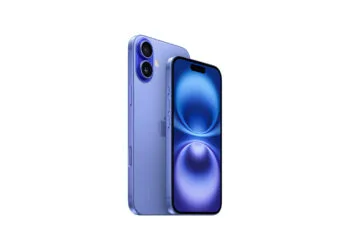
iPhone 16: Camera control button as a practical QR code scanner. Discover the easy setup and use the function in everyday life.
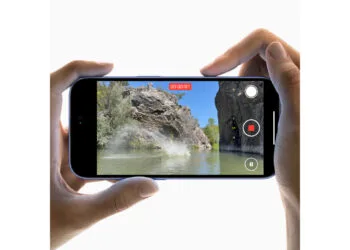
With the iPhone 16, disable the "Preview" function and enjoy full access to all camera options. Find out more here!

iPhone 16: Adjust the pressure sensitivity of the new camera controls and improve your photography experience.
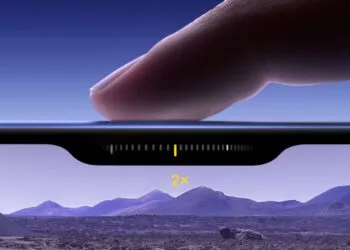
iPhone 16: This is how the innovative camera control button works. Optimize your camera settings and discover new photo functions.
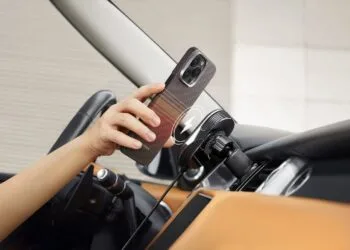
Pitaka cases for the iPhone 16: light, thin and robust. Optimize your device with MagSafe-compatible protection and stylish designs.
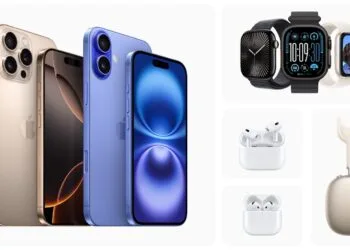
Now available: iPhone 16, Apple Watch Series 10 and AirPods. Find out all about the new features and colors of the latest ...
With the iPhone 16, Apple introduces a simplified battery replacement: New process for easier repairs & a longer lifespan.
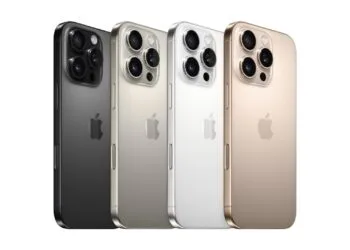
iPhone 16 Pro in detail: Improved camera and longer battery life. Find out if the new model delivers on its promises. Here...
You are currently viewing a placeholder content from Facebook. To access the actual content, click the button below. Please note that doing so will share data with third-party providers.
More informationYou are currently viewing a placeholder content from Instagram. To access the actual content, click the button below. Please note that doing so will share data with third-party providers.
More informationYou are currently viewing a placeholder content from reCAPTCHA. To access the actual content, click the button below. Please note that doing so will share data with third-party providers.
More informationYou are currently viewing a placeholder content from X. To access the actual content, click the button below. Please note that doing so will share data with third-party providers.
More information