
Apple starts development of iOS 19 with code name "Luck"
Apple is working on iOS 19, codenamed "Luck". Find out the latest information and what to expect in the next update. More...

watchOS is Apple's operating system for Apple Watch and has been the heart of the smartwatch experience within the Apple ecosystem since the first Apple Watch launched in April 2015. While the very first watchOS version was still tightly tethered to the iPhone, watchOS 2 a few months later brought native apps directly onto the wrist – and from there the system has steadily evolved toward greater independence year after year. Today watchOS delivers features such as customizable watch faces with complications, always-on display, sleep and activity tracking, ECG, blood oxygen measurement, hypertension notifications, fall and crash detection, Emergency SOS, Apple Pay right on the wrist, Wallet keys for car and home, smart home control via Apple Home, and deep integration with iPhone, AirPods, HomePod and Apple TV.
In the tag area on apfelpatient.de, the reporting around watchOS comes together in one place: beta cycles for every new major version, detailed reports on all features and point updates, tips and tricks for watch faces, complications, workout modes, health insights and hidden settings, background on security patches and bug fixes, new smart home and Wallet features, comparisons with Wear OS, and all rumors and reports about upcoming watchOS versions.
Anyone wanting to use their own Apple Watch more effectively, take advantage of new watchOS features in everyday life or follow the platform strategy behind Apple's smartwatch OS stays continuously in the loop right here.
Apple is working on iOS 19, codenamed "Luck". Find out the latest information and what to expect in the next update. More...

iOS 18 Beta 2 and more: Apple releases new betas. Discover the latest features and improvements for your iPhone and ...
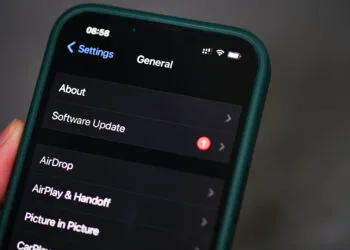
iOS 18: Everything you need to know about the public beta release in July. Find out the exact dates and trends. Click for more information!
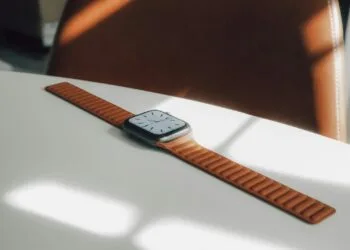
watchOS 11 supports automatic nap detection and improves your sleep tracking. Learn more about this new feature.
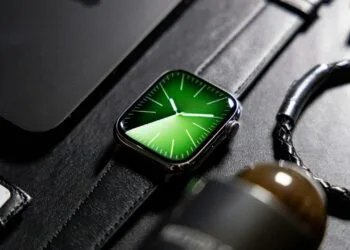
watchOS 11 brings many new features, including the ability to change the ringtone of your Apple Watch.

iOS 17.6 beta update is here! Get insights into the new features and what developers need to know now. Learn more.
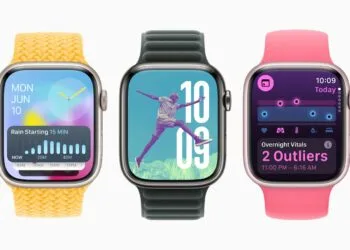
The watchOS 11 update brings many new features, including the Shazam widget, to your Apple Watch. Find out more here at Apfelpatient!
watchOS 11: New Live Activities and smart widgets in the Smart Stack. Find out how these features improve your Apple Watch.
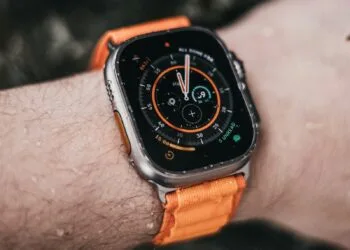
Learn how to install the watchOS 11 developer beta and test the latest Apple Watch features in advance. Follow our guide.
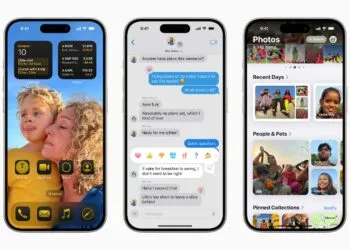
Apple ID becomes Apple Account: Discover the benefits of the renaming and how iOS 18 will improve your user experience.
You are currently viewing a placeholder content from Facebook. To access the actual content, click the button below. Please note that doing so will share data with third-party providers.
More InformationYou are currently viewing a placeholder content from Instagram. To access the actual content, click the button below. Please note that doing so will share data with third-party providers.
More InformationYou are currently viewing a placeholder content from reCAPTCHA. To access the actual content, click the button below. Please note that doing so will share data with third-party providers.
More InformationYou are currently viewing a placeholder content from X. To access the actual content, click the button below. Please note that doing so will share data with third-party providers.
More Information